


Shop confidently with SafeKey

If you love to shop online, it’s important to stay safe. SafeKey makes the process secure,
so you can focus on the fun part – choosing what to buy.
When will I see it?
When you shop on certain sites, SafeKey will appear as a box during the checkout stage.
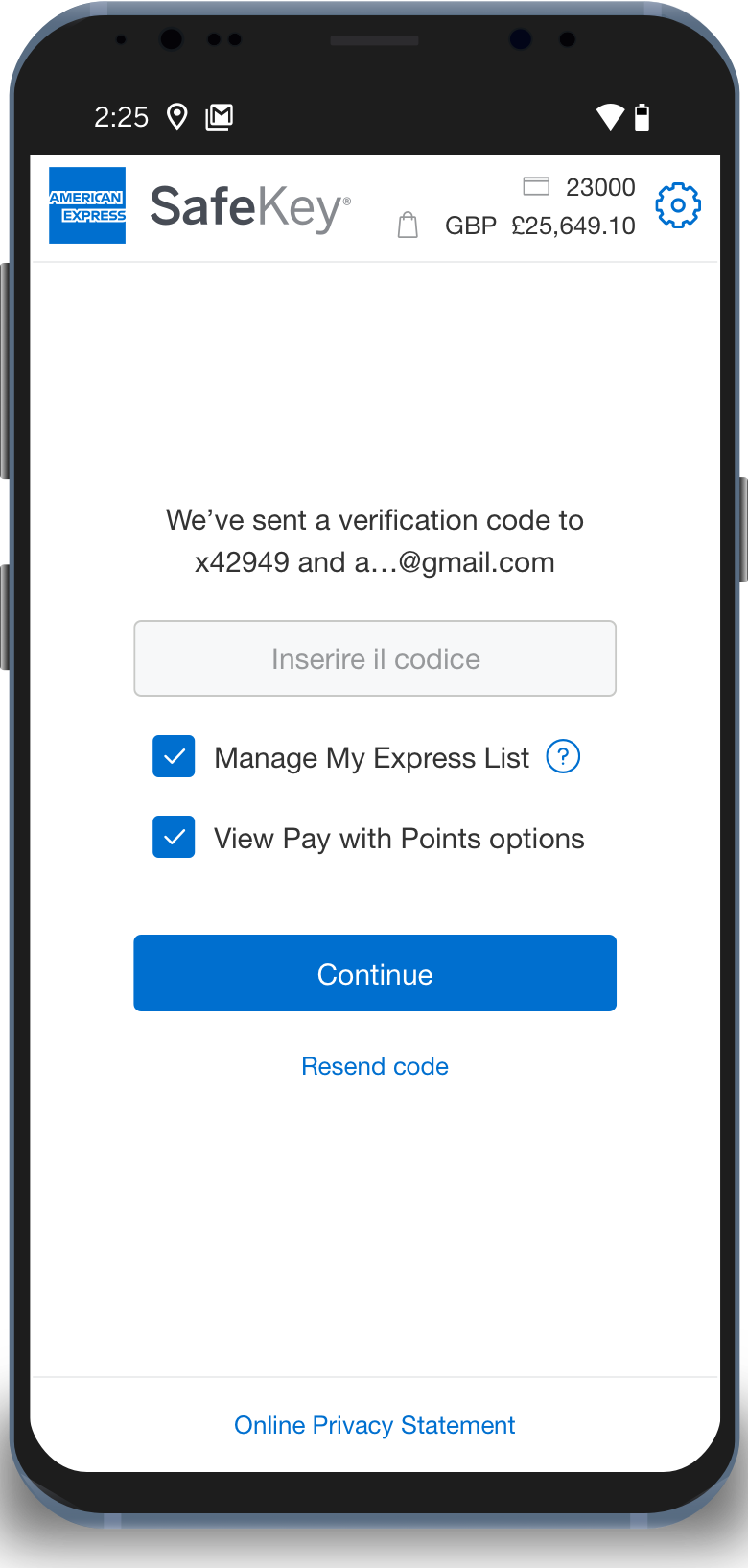
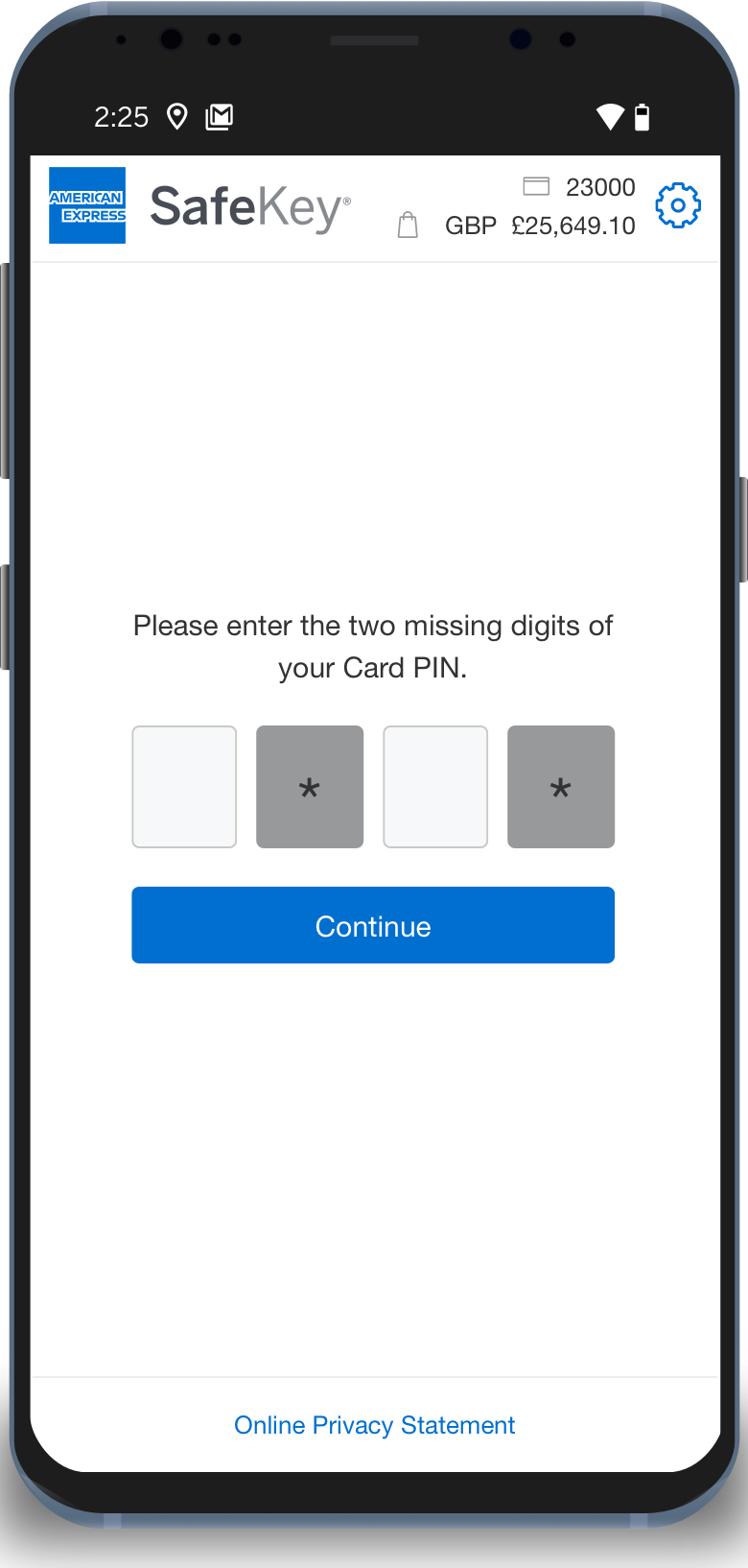
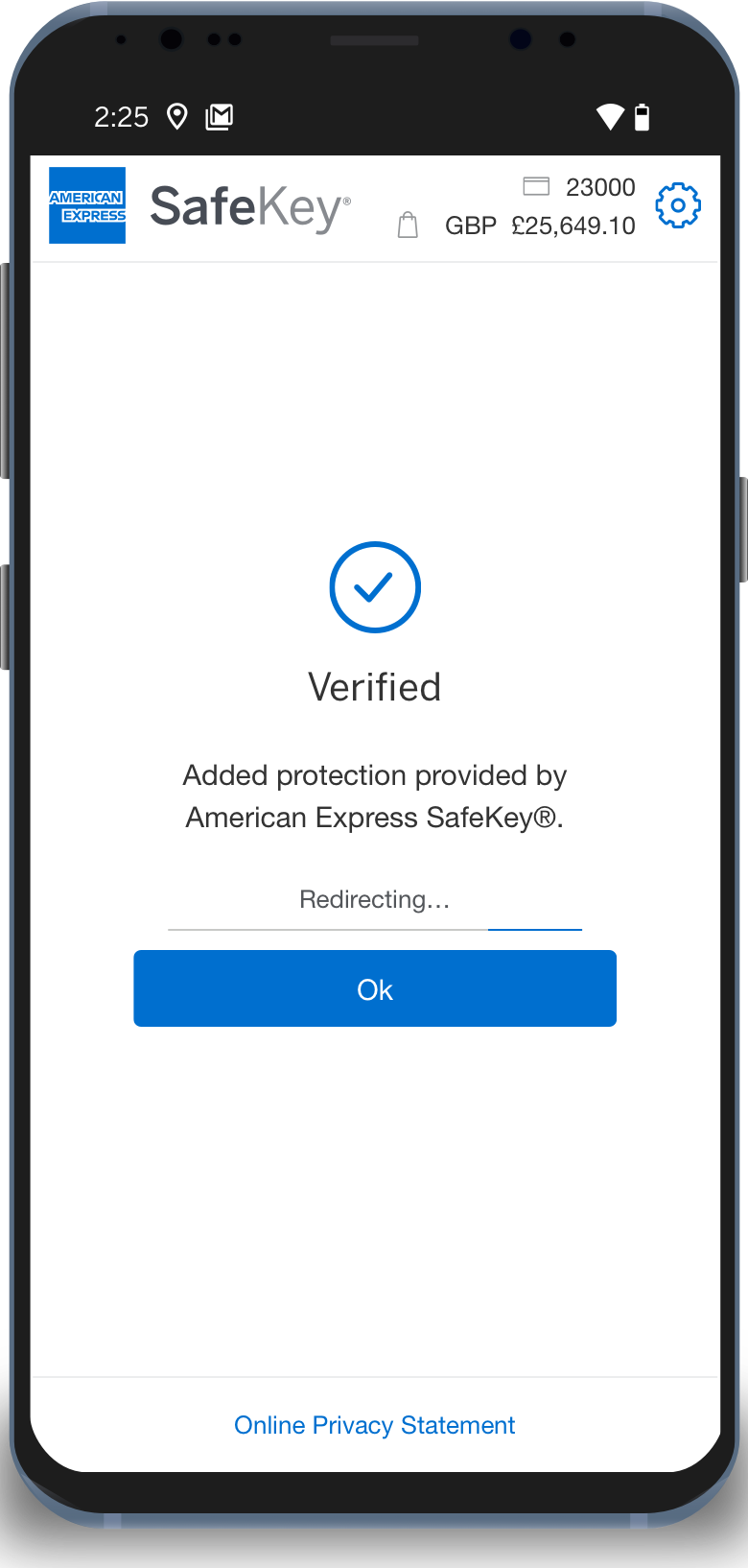
What do I have to do?
Most of the time, you don't need to do anything - SafeKey will work in the background as you
make your purchase.
Sometimes we may need to send you a verification code via email or SMS. To ensure you can receive verification codes, Check your contact details are up to date by logging in to your Online Account. To update your personal information, call the number on the back of your Card.
You may also need to enter part of your Card PIN for additional verification. This is the same PIN
that you use in-store. You can view your Card PIN in your Online Account.
Your Express List
Due to new regulations, we’re changing the way you make purchases online by sending you more verification codes.
To make shopping online speedy, simple, and secure, you can add websites you frequently shop at to your Express List and we’ll stop sending you a verification code, unless we need to make sure it's you.
SafeKey FAQs
About SafeKey
As a Cardmember, you have been automatically enrolled in American Express SafeKey, so you don't need to pay or take any additional steps to benefit from this online security feature. SafeKey was developed in response to regulatory requirements for online purchases and therefore, Cardmembers are unable to opt out from it.
American Express provides online protection for all our Cardmembers. As part of our ongoing commitment to protecting your Account's security, we launched American Express SafeKey to allow you to shop in an even more secure online environment. Please be assured that you are not liable for fraudulent charges on your Account.
American Express takes your privacy seriously and we will not use your details for marketing purposes without your consent. Your details will be stored in accordance with our privacy policy.
American Express will never email you to ask you for sensitive information. If you receive a suspicious email which claims to be from American Express, do not click on any links. If you have any questions, please call the number on the back of your Card.
If you ever suspect that fraudulent charges or purchases have been made on your Account, please call us immediately at the number on the back of your Card.
A transaction could fail for various reasons. If you fail to verify your identity when asked (enter the correct verification code, respond to an app notification), access to SafeKey may time-out and be locked. Technical issues in the merchant's payment service could also interrupt the transaction. In each of these cases, you will receive an on-screen notification letting you know what went wrong. If you have any questions, you can always call the number on the back of your Card for help.
About verification codes
You can view the mobile phone number and email address you have on file for your American Express Card either by logging into your online Account to view your personal details. To update your personal information please call the number on the back of your Card.
The Verification Code is valid for 10 minutes after it is generated by the transaction. If you click the ‘Resend now’ button within that 10-minute window, then the same verification code will be re-sent to you. If you click the ‘Resend now’ button after the 10-minute window expires, then you will need to start the entire transaction process again which will generate a new verification code.
Please also check your email spam folder and note that SMS texts cannot be delivered to certain countries.
About App notifications
If you have downloaded the app and enabled notifications for it on multiple devices, SafeKey identity verification notifications will be sent to the latest device on which you have turned on ‘remember this device’.
If you don’t receive a notification, then you can click “resend notification” to get a new notification sent to your device. If the notification is still not received, then you can complete authentication by selecting “send verification code instead”. This will allow you to complete authentication with a one-time passcode.
The notification will remain active for 4 minutes before it will timeout.
If you receive a SafeKey identity verification notification but do not recognise the transaction, you should tap the notification, and select ‘no’ when asked if it’s you making the purchase. For any questions you can call the number on back of your Card.