



Forgot User ID or Password
If you have forgotten your User ID or Password, click the "Log in" button on the homepage. From here, click "Forgot User ID or Password?" below the "Log in" button.
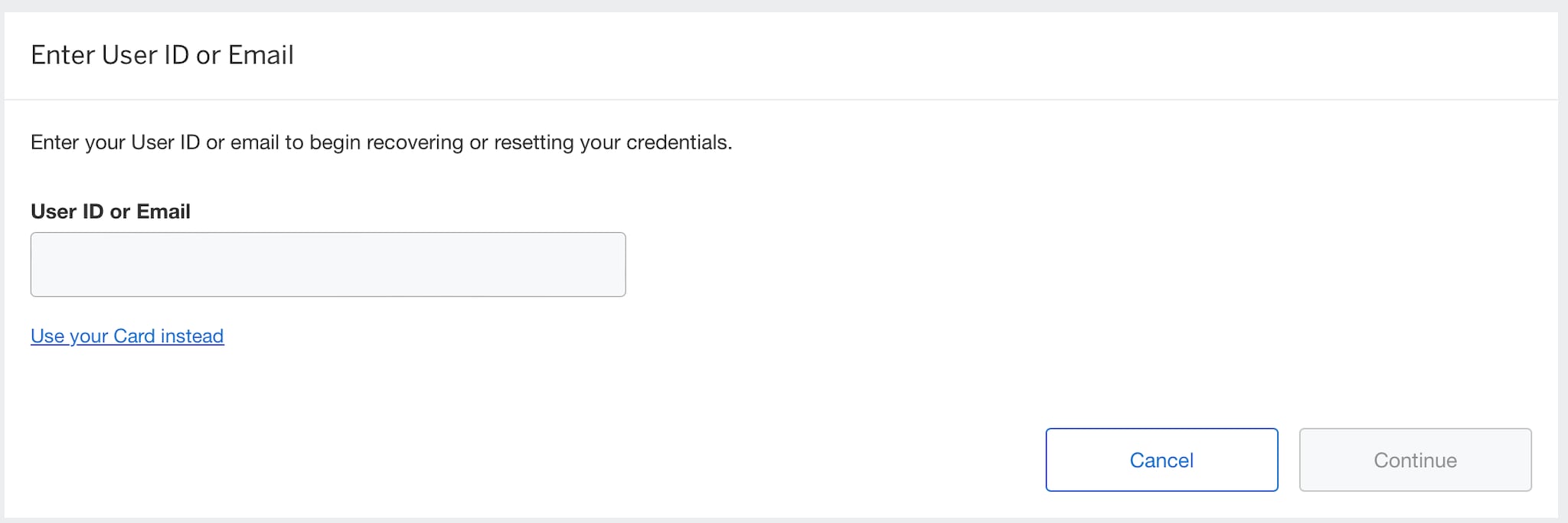
First, you will be asked to input your user ID or email address associated with your account.
Next, you will input your security code (6 - 9 digit unique numeric code).

You will then receive a one-time passcode to verify your identity.

After you have successfully input your one-time passcode, your User ID will be displayed.
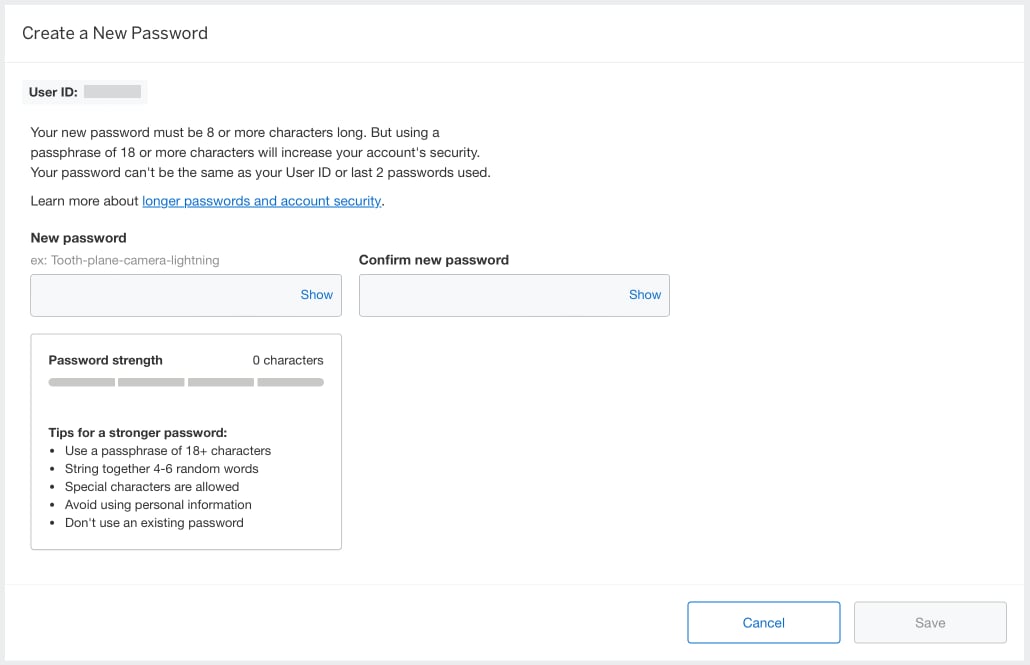
If you have forgotten your password, you will be asked to input a new password.
Contact Us
Live Chat
Click the 'Chat' button once you login to your account to chat with a member of our service team.
Call Us
Our customer care representatives will assist you Mon-Fri, 8:00am to 6:00pm AEST/AEDT.