



How To Detect Scams and Prevent Fraud
Our tips will show you how to avoid various scams, keep your details secure and allow you to continue to use your American Express® Card with confidence.
Don’t be a victim
If you have recently been approached and believe that your personal information may have been compromised, call the number on the back of your Card. You can report any scams and unsolicited communications to the U.S. Federal Trade Commission. You can also report confirmed cases of identity theft at identitytheft.gov.
What can an impostor scam look like?

The urgent payment request
Scam: Someone contacts you pressing you for a payment to secure an account, remove a security alert, or validate your identity.

Remember, the IRS, Social Security, or your bank will not call and ask for money.
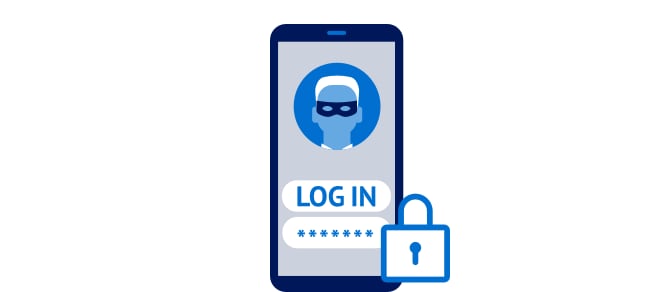
Suspicious call from a trusted number
Scam: Phone spoofing is when a scammer fakes the caller ID on your phone to display a trusted number. If you did not make the call, never share your account numbers, log-in credentials, Social Security number, or any one-time passcodes.
Not sure if you’re talking to American Express? Hang up and call the phone number on the back of your Card.
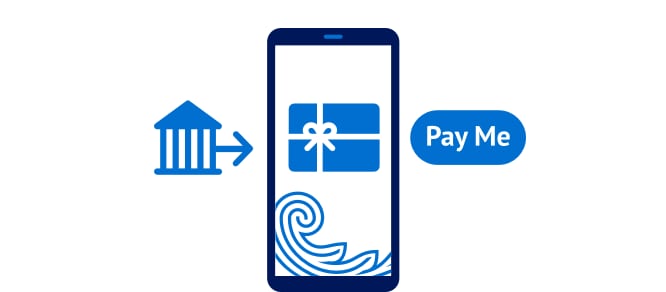
Unusual message from a trusted source
Scam: Someone calls claiming to be from American Express, your bank, a government agency, or another seemingly reputable source and asks for an unusual payment like a gift card, wire transfer, crypto, or payment app.
Remember, institutions will not call you to ask for money through these payment methods.
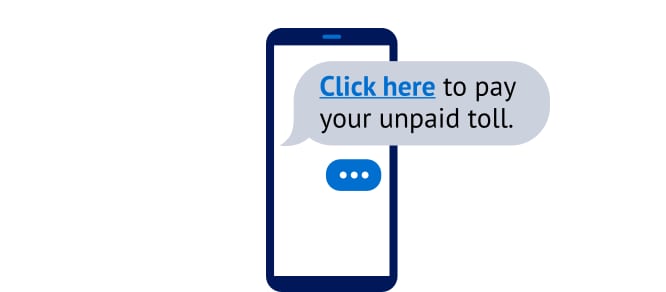
A suspicious-looking message
Scam: You get a text about an issue that seems strange or suspicious, like an unpaid toll, a USPS package issue, or an Apple charge notification.
Delete the message and mark it as spam.
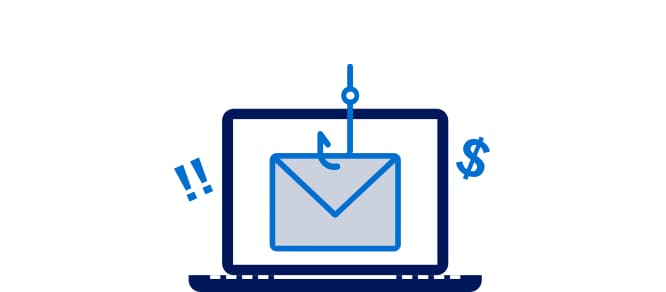
An offer that’s too good to be true
Scam: You receive an email with false promises, like paying off your account balance for you, if you share your personal details, like your Card number, security code, etc.
Delete the email and call the number on the back of your American Express® Card if you are having any issues.
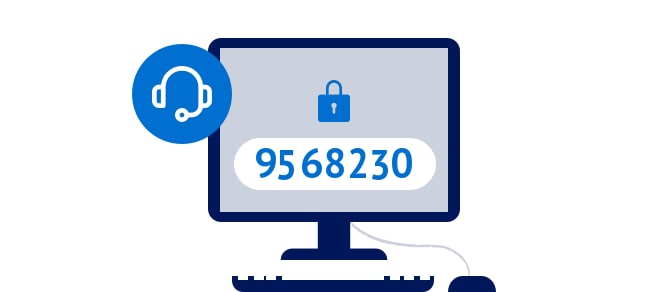
Asking for verification codes
Scam: Someone calls claiming to be from American Express, a tech support service, or a known retailer, and asks for remote access to your device or account through a one-time password, verification code, or your American Express SafeKey® code.
Never give someone you don’t fully trust access to your device or accounts.
Pause, Think, Verify
If you’re in any doubt about a text, email or phone call you receive, call the number on the back of your Card to speak to American Express.
Things you can do to keep your account safe

App Notifications
Enhance your security by enabling push notifications and strengthening your login settings by enabling two-step verification. To set up push notifications, first, download the American Express® App. Then, after signing in to your account, go to manage account > select your Card > preferences > notifications. From there, you can turn on notifications for payments, statements, spending types, and more.

Account and Fraud Alerts
If we spot anything unusual in your spending patterns, you’ll receive an instant alert by text or email. In one click, you can tell us if it was you or not.

Voice ID
Enjoy simple, easy verification, enhanced security, and superior customer service. Learn more about Voice ID.
Get the American Express® App in the App Store or on Google Play1,
or scan the QR code.



How can you be sure that it’s American Express contacting you?
We will never call you and ask for the following:
Full ID details
One-time verification codes
Logins and passwords
Your Card details or PIN
Identity Theft
Your details are private. Let’s keep it that way.

Terms and Conditions
1. Apple, the Apple logo, iPad, and iPhone are trademarks of Apple Inc., registered in the U.S. and other countries. App Store is a service mark of Apple Inc. Android, Google Play, and the Google Play logo are trademarks of Google LLC.