What is a Contactless Credit Card?
8 Min Read | Last updated: June 16, 2025
This article contains general information and is not intended to provide information that is specific to American Express products and services. Similar products and services offered by different companies will have different features and you should always read about product details before acquiring any financial product.
It looks like a sideways Wi-Fi icon, but what is the contactless symbol on a card, and what makes contactless credit cards so secure? Find out today.
At-A-Glance
- The contactless symbol on a credit card means you can make purchases without your card touching anything.
- Using contactless cards is simple; you just tap or hover your card near a contactless-enabled payment terminal to complete secure purchases in seconds. Some transactions may require your personal identification number (PIN).
- Many U.S. retailers accept contactless credit cards, and if a contactless-friendly terminal isn’t available, you can still insert or swipe your card as usual.
Have you ever noticed the contactless symbol on your credit card and wondered what it was? For many, the symbol may mean more than convenience: it can represent time. Instead of rummaging for your card, swiping it, or inserting it as the grocery line grows by the second, you can simply hover the card over the machine to pay. Once you understand how fast and easy this technology is, the more opportunities you’ll find to take advantage of your contactless card.
How Do Contactless Credit Cards Work?
A contactless credit card lets you pay by hovering your card over a compatible payment machine. Wireless technology securely transmits payment details without you swiping or inserting the card.1 These cards can also be linked to your digital wallet, making contactless payments with smartphones or smartwatches even quicker.
What Is the Contactless Symbol on a Card?

You may wonder where and what the contactless symbol on a card is. It might look like a sideways Wi-Fi symbol, and you can find it on the front or back of your credit card. The symbol often matches the symbol of the establishment’s contactless credit card machines or payment readers.
Ultimately, the card issuer decides which side of the card is for contactless payments. Here’s a simple breakdown:
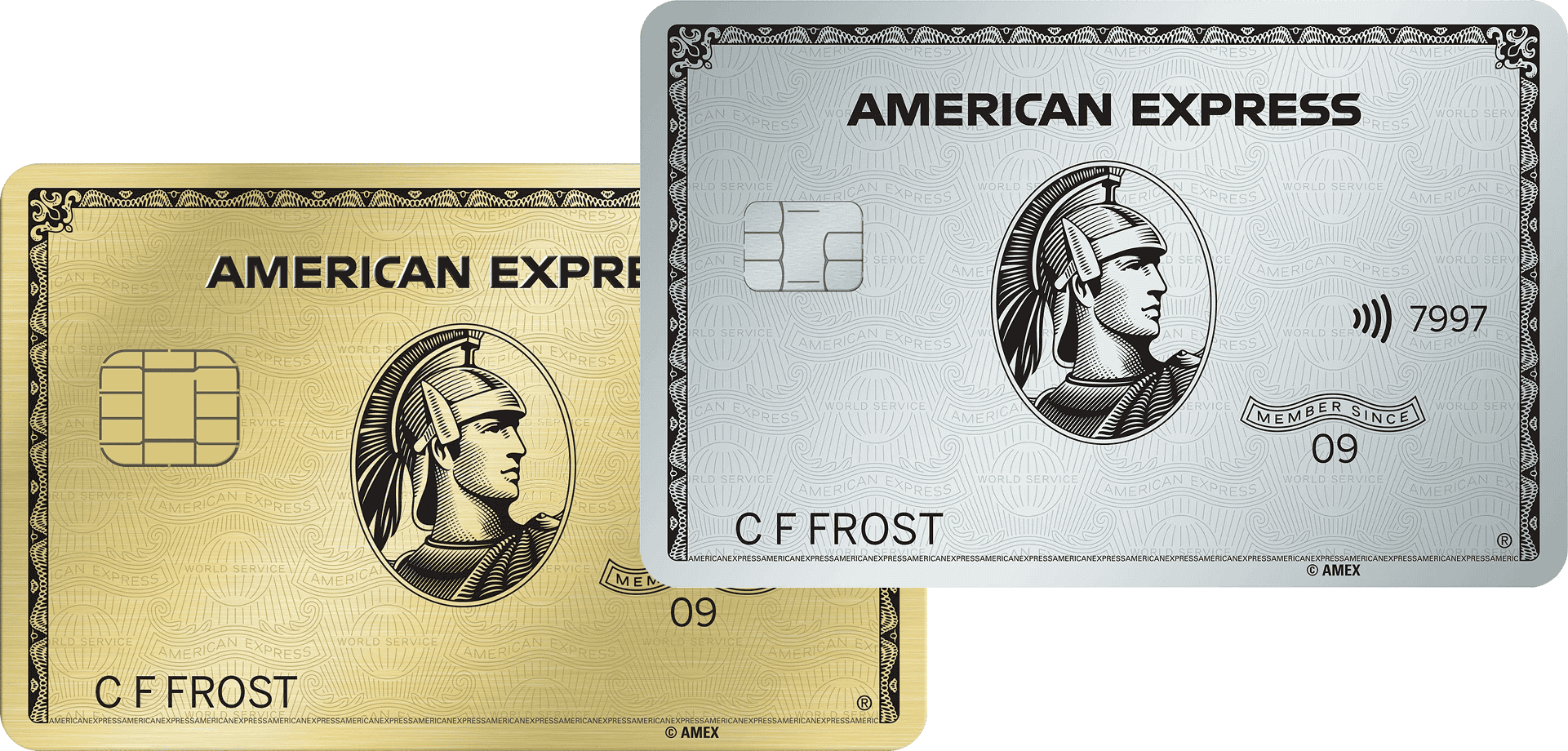
- On many new American Express® Credit Cards, the contactless symbol is on the front next to the 4-digit CVV code or on the back right-hand side of the card.
- Some credit cards might only place the contactless symbol on the back right-hand side.
- Other credit card issuers may place their contactless symbol next to a key symbol on the left side of the card’s back.
Contactless Card Benefits
Credit card contactless payments offer a number of benefits, with a focus on convenience and safety:
- Transactions process in seconds for faster checkouts.
- Contactless payments may always use encryption and one-time codes that can help prevent fraud.
- Contactless payments may be more hygienic if they don’t touch the payment terminal or cashier.
Did you know?
All contactless credit cards generate a unique, encrypted code for each transaction, making hacking or stealing your card info harder. American Express equips all contactless cards with this feature and more to keep your payments secure, quick, and convenient.2
Contactless Card Restrictions
The downsides of contactless credit cards are relatively inconsequential unless you’re making a cash-only purchase:
- Some establishments may not have contactless capability.
- Some retailers may have contactless transaction limits or need a personal identification number (PIN) to authorize contact payments for bigger purchases.
- Unauthorized users could make small purchases if contactless cards get stolen or go missing without being reported quickly.
How to Use a Contactless Credit Card
Complete these straightforward steps to make contactless payments with your contactless credit card:
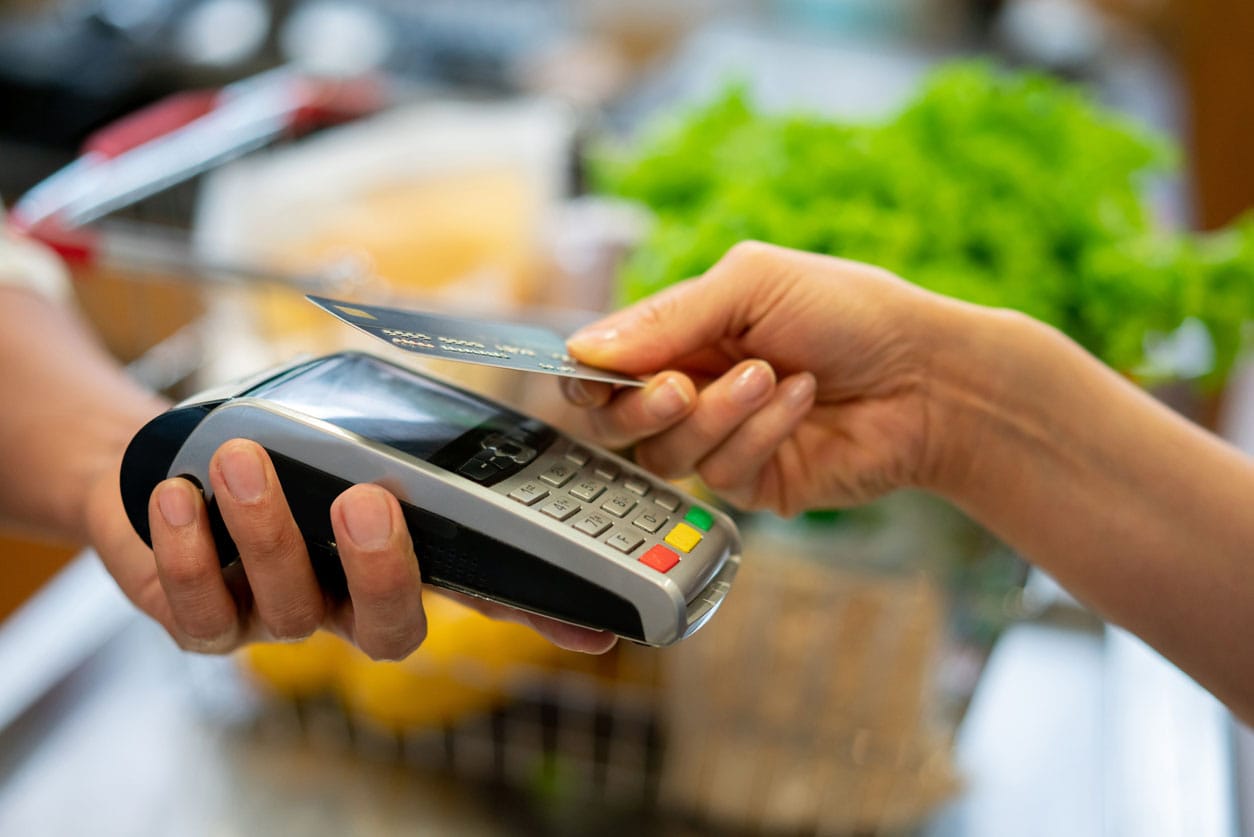
- Hover the card just above the matching contactless symbol on the card machine or payment reader.3 If the machine doesn’t detect the card, ask the cashier to tap it for you.
- If your card has a personal identification number (PIN) or if you’re using it for the first time, you may be prompted to enter it.
- Upon detecting the card, the machine may beep, display a checkmark or a payment-accepted message, or show tipping options. You can tip if applicable and tap any continue or accept options to finalize the payment.
Contactless cards will still work if a store doesn’t have contactless capability. You can just insert or swipe the card as usual.
Where Can You Use Contactless Credit Cards?
You can use your contactless credit card to make purchases at any retailer with a contactless payment terminal. Many Americans have contactless cards, so lots of retailers accommodate touchless payments.4 You can call an establishment to confirm if they accept contactless, but given the technology’s seamlessness and popularity, retailer-payment incompatibilities may one day become obsolete.5
Are American Express Credit Cards Contactless?
Most American Express Cards include contactless technology, helping you to make secure transactions. Enjoy the freedom to pay at retailers wherever you see the American Express and contactless logo. Check your card for the contactless symbol if you’re not sure if your card is contactless.
Frequently Asked Questions
There is no definitive difference between contactless credit cards and tap-to-pay cards. Each refers to touchless payment. Contactless, tap-to-pay, and tap-and-go all refer to touchless payment.6
Both tapping and swiping a credit card are relatively safe, but each method can be vulnerable to hackers or fraudsters. However, touchless payment may help you avoid skimming situations, where criminals install devices on automatic teller machines (ATMs), credit card machines, or gas pump terminals that collect credit card information when you insert the card chip.7 Keep up to date about how to protect yourself from credit card fraud with American Express.
Contactless cards should be activated before use to help the issuer know you correctly received the card and to help prevent you from missing payments or annual fee deadlines. Plus, your issuer may cancel your card’s account if it remains inactive for a certain period of time.8
You can use your contactless card as much as you’d like throughout the day. There’s no set limit to how often you can hover the card over a payment terminal, as long as you avoid maxing out the credit card or overspending.9 However, your bank or credit card issuer may ask for you to enter your PIN as a safety measure to verify that you are the one using the card.
The Takeaway
Contactless cards eliminate the need to swipe or insert your card. The contactless symbol, which resembles a sideways Wi-Fi signal, means your card is contactless-capable. Many U.S. retailers accept contactless payments, and if a compatible terminal isn’t available, you can still insert or swipe your card.
1,9 “What Is Contactless Payment?,” Experian
2 “How Do Tap To Pay Cards Work & Are They Safe?,” Patriot Federal Credit Union
3 “How Do Credit Cards Work?,” Experian
4 “Credit card issuers that offer contactless cards,” Bankrate
5 “Contactless Payment Transactions to Hit $15.7 Trillion Globally by 2029, as Soft Point-of-Sale & Ticketing Roll-outs Accelerate Growth,” Juniper Research
6 “Videos,” GSA SmartPay®
7 “Skimming,” Federal Bureau of Investigation (FBI)
8 “What happens if you don’t activate a credit card?,” Bankrate


Randi Gollin is a freelance writer, editor, and content strategist who’s covered topics including travel, shopping, and dining for tech and media brands and digital publication.
All Credit Intel content is written by freelance authors and commissioned and paid for by American Express.
Related Articles
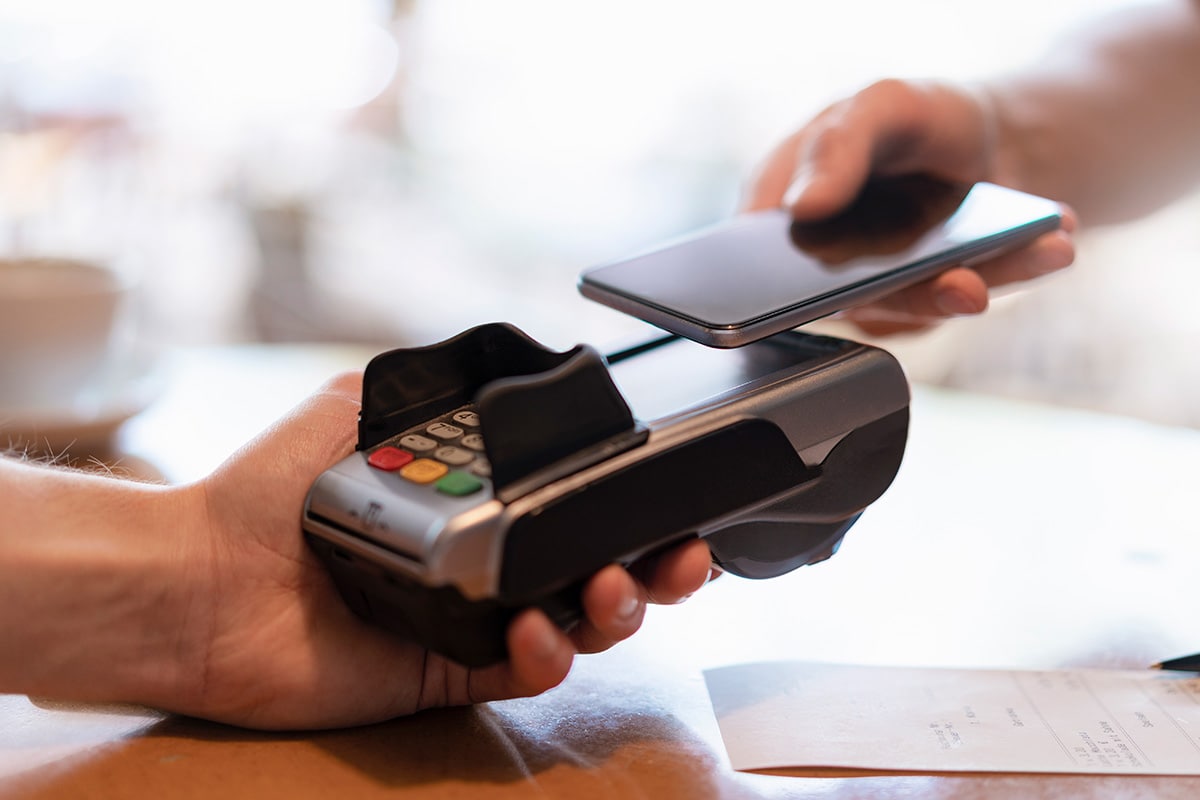
What Is a Digital Wallet?
Learn how digital wallets work and why they’re a convenient way to make purchases using your phone. Explore their benefits and features.

How Do You Swipe a Credit Card Properly?
Learn how to swipe a credit card for smooth transactions and to help prevent errors. See other ways that you may be able to use your credit card as well.

What Is a Credit Card Number?
Credit card numbers may seem random, but each digit serves a specific purpose, like identifying the credit card issuer, the card network, and more.
The material made available for you on this website, Credit Intel, is for informational purposes only and intended for U.S. residents and is not intended to provide legal, tax or financial advice. If you have questions, please consult your own professional legal, tax and financial advisors.