



Stay updated with emerging fraud trends
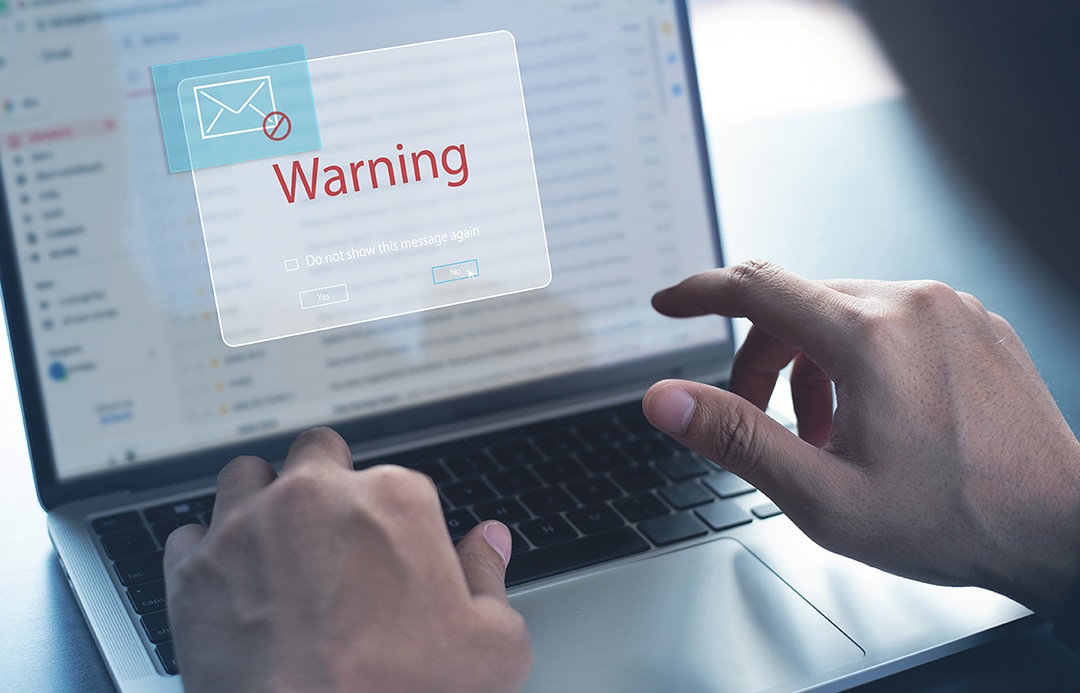
What is a Phishing email?
- Phishing emails are fraudulent messages designed to look like they come from a trusted source.
- These emails often contain a malicious link or attachment intended to steal your information.
- Be cautious of unexpected requests for personal information, urgent warnings, or unfamiliar links.
Scammers try to trick you into clicking on a link that leads to a fake website. You might be told that your Account will be suspended unless you update your password.
Once you are on the fake site, you could be asked to enter sensitive details like your login credentials, password, or Account number. These sites may look legitimate, but they are designed to steal your information.
- If you receive an email claiming to be from American Express®, first check the sender’s email address.
- We will only contact you from specific, verified email addresses.
- Here are some commonly used email addresses by us.
@americanexpress.com @welcome.aexp.com @aexpfeedback.com @americanexpress.co.in @aexp.com @email.americanexpress.com @welcome.americanexpress.com
- The sender calls you something general like “customer” instead of your name.
- They want you to act urgently. For example, they might tell you that unless you do something right away, your Account may be closed.
- They want you to open an attachment you weren’t expecting.
- The email contains spelling and grammar mistakes.
- The email is sent from a different address or a free website address.
- They ask for personal information such as your username, password or bank details.
- To check the authenticity of the destination, hover the cursor over the URL to verify the desired destination.
- Call the sender directly to verify email, do not reply to email if you believe it's suspicious.
- If you’ve received a suspected phishing email, please forward the email, along with the complete sender details to report.phishing@aexp.com. If you have any questions, please call us at the number on the back of your Card.
- Alternatively, you can report the incident by calling the National Cyber Crime Helpline at 1930. For additional information and guidance, please visit https://cybercrime.gov.in/.
What is a Smishing message?
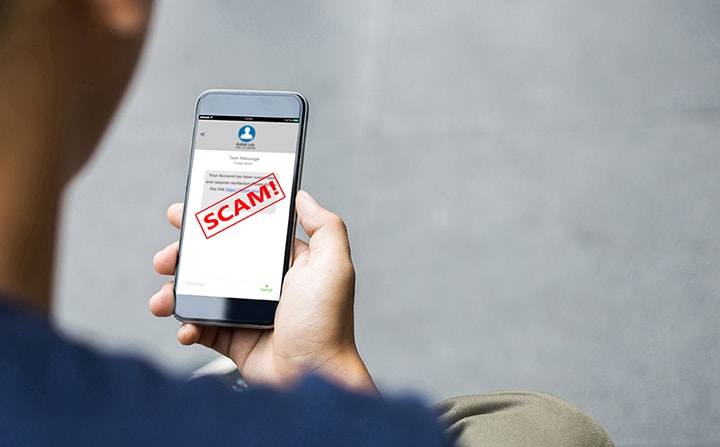
Smishing messages are texts that appear to come from a trusted source, asking you to click on links or call back.
These messages may contain links to malicious websites or requests to call numbers that collect personal information.
- Avoid clicking on links from unverified sources.
- Never share personal information like Card details, OTPs, CVV etc. with unknown numbers.
- If you are unsure about an SMS claiming to be from American Express®, reach out on the number at the back of your Card or the chat option via the Amex® app.
- If you’ve received a suspected smishing SMS, please forward a screenshot of the SMS, along with the complete sender details to report.phishing@aexp.com. If you have any questions, please call us at the number on the back of your Card.
- Alternatively, you can report the incident by calling the National Cyber Crime Helpline at 1930. For additional information and guidance, please visit https://cybercrime.gov.in/.
What is a Vishing call?
Fraudulent calls impersonating trusted organizations, public figures, or loved ones that ask for Card details, OTPs, or KYC updates.
Urgent claims about Account issues, suspicious links via SMS, or spoofed caller IDs.
- Never share personal information like Card details, OTPs, CVV etc. with unknown numbers.
- Watch out for urgent asks and disconnect the call if you are unsure about the requests.
- Be cautious before replying to any message or carrying out any action when on an unknown call.
- Always call back on the verified number of an organization and double check before carrying out a requests made by unknown callers.
Fraudster: Good morning. I am calling from *Your Service Provider*. Our records show that you have not paid your bill for the month. Please pay it immediately to avoid any additional fees or disruption of services.
Cardmember: I have paid my bill. This must be a mistake.
Fraudster: I’m sorry. Your payment does not show in our records. Give us a moment to re-check.*The Fraudster then keeps you on hold for 2 minutes to show legitimacy. *
Fraudster: Sorry, we have checked once again, and there is no record of that payment in our systems. To resolve this, you can download the ‘ABC’ app and try making the payment again. I would be happy to stay on the line and talk you through the process.
Cardmember agrees and downloads the ‘ABC’ app.
Fraudster: Now that you’ve downloaded the app, simply follow the instructions on the screen to enter your details, then proceed with your payment. I’ll hold in case you have a problem.
Cardmember: Okay, I’ve entered my details and the payment has been made.
Fraudster: I’m sorry, your payment is still not reflected in our records. Could you please provide the one-time password you just received on your phone for cross-verification purposes?
Cardmember: Yes, here are the details you requested. *Cardmember provides their OTP or Card details.*
Fraudster: Okay, thank you. The payment has gone through and will reflect in your account shortly.
Thank you for your patience. Have a nice day.
Without their knowledge, the scammer now has the Cardmember’s details and can steal money from their account.
Here are a few simple Dos and Don'ts that you can follow to ensure you don’t become a victim of this type of scam:
Dos-
- When contacting us, always use the toll-free or helpline numbers located on the official American Express® website.
- Use caution when answering calls from unknown phone numbers.
- Make sure your passwords are strong and that you keep them secure.
- Always use trusted websites with a padlock symbol before the URL, which should begin with 'https://'.
Don'ts-
- Never share your private information such as passwords Card details or one-time passwords with anyone over a call or via email.
- Do not download or install applications from untrusted sources.
- Do not click on unsolicited links.
What is Quishing?
Think before you scan.
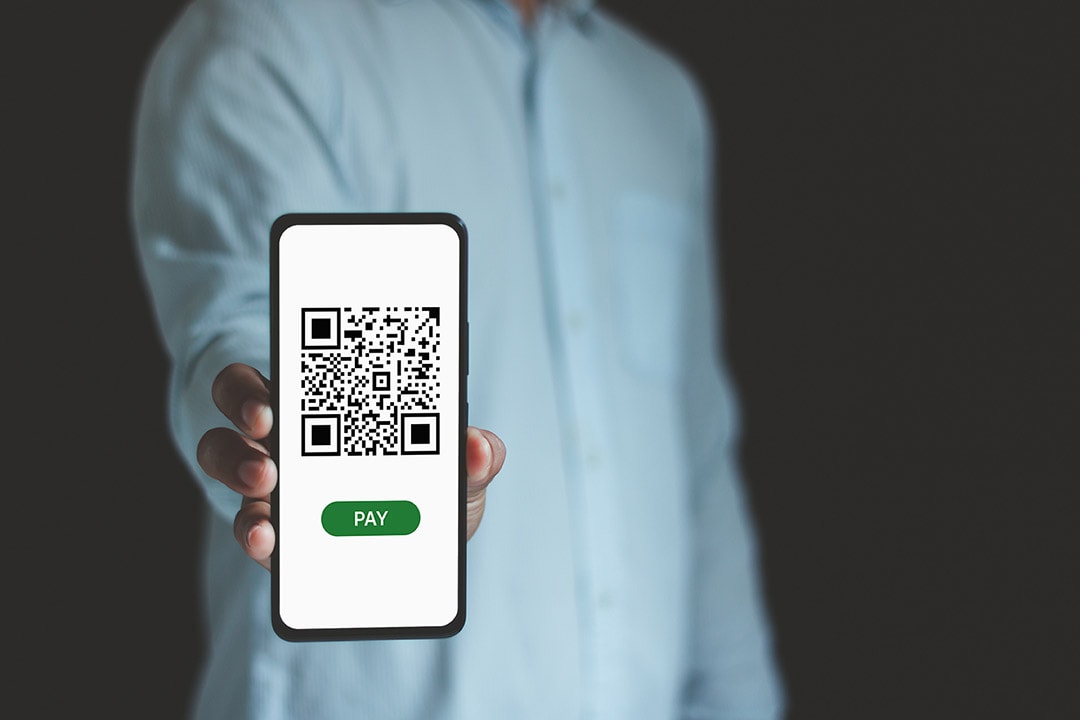
QR codes can be used to lead you to Phishing websites.
Fraudulent QR codes used by scammers in emails, posters, or digital messages that link to fake sites.
Requests to scan for a reward, payment, or security check leading to credential theft.
- Only scan QR codes from verified sources.
- Always cross check the website link that a QR code opens before entering details.
- Avoid sharing sensitive information like passwords or Card details on sites opened via any QR code.

What is Bin-raiding?
Fraudsters dig through bins or physically discarded documents to find personal or financial information.
Bank statements, bills, or any documents with sensitive data.
Make sure to shred or destroy personal documents before discarding. Be attentive towards ensuring any sensitive details should be destroyed properly.

Find out how we protect you

Protect your identity online