



Using Google Wallet™
Add your American Express® Card to Google Wallet and tap to pay with your mobile device everywhere Google Pay™ is accepted. Google Pay is a quick, convenient and secure way to make contactless payments in store, online, and in-app.
High-value purchases
Use mobile payments for large or small purchases. Pay by following the prompts on your device and Card reader.
Worry-free shopping
Make secure transactions with four layers of fraud protection. We've got your back, every step of the way.
Life should be rewarding
Earn and enjoy the same great rewards when you shop using your American Express with Google Pay.
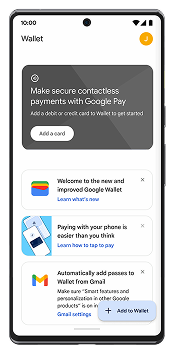
Download the Google Wallet app and select ‘+’.
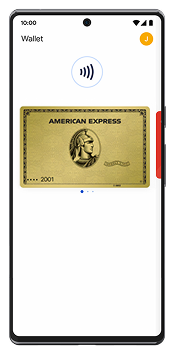
Add your Card by scanning it or entering the Card details. For security purposes, we may ask you to enter a One-Time Password to confirm your identity.
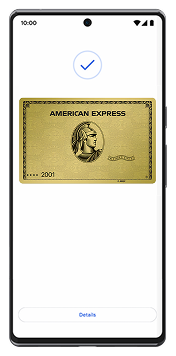
Then that’s it. You're done.
How to use Google Wallet
Follow these steps to use Google Wallet anywhere that welcomes American Express contactless payments; in-store, online, or in-app. You can close off business deals, pay for your groceries, or shop online with your Google Wallet.
In-store purchases

Wake your device and hold it near the reader.

If or when prompted, enter your PIN, pattern, or fingerprint.
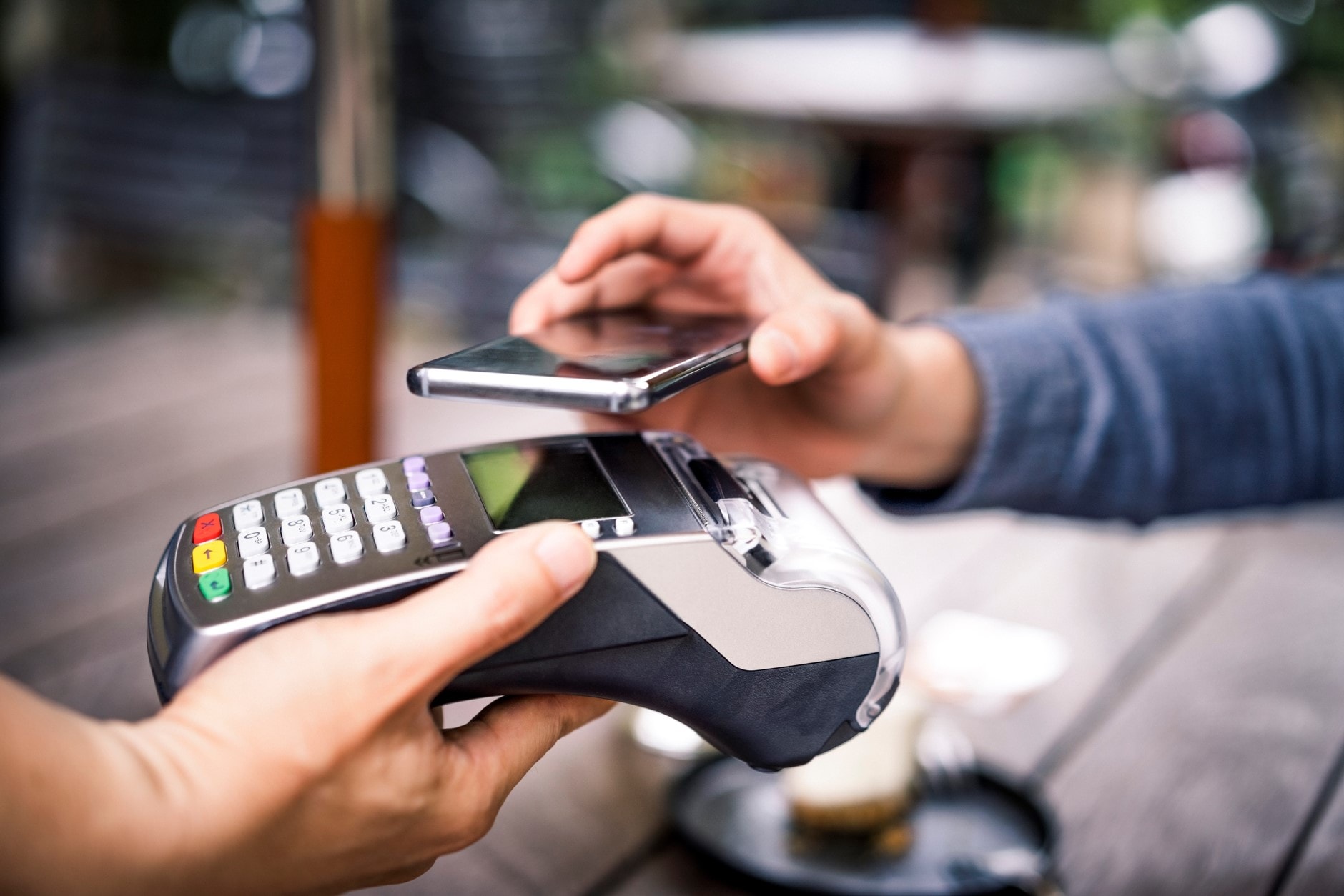
Wait for the device to beep or vibrate, then look for the ‘checkmark’ on your screen.

In-app or online purchases
Make payments on your next in-app or online purchase on your web browser. Once you've loaded your American Express Card on to the Google Wallet app on your compatible device, you can use it to make swift, secure, and instant payments in-app or online. You can select Google Wallet at the checkout and complete the payment using the pattern, fingerprint or the PIN number you set.
On the go?
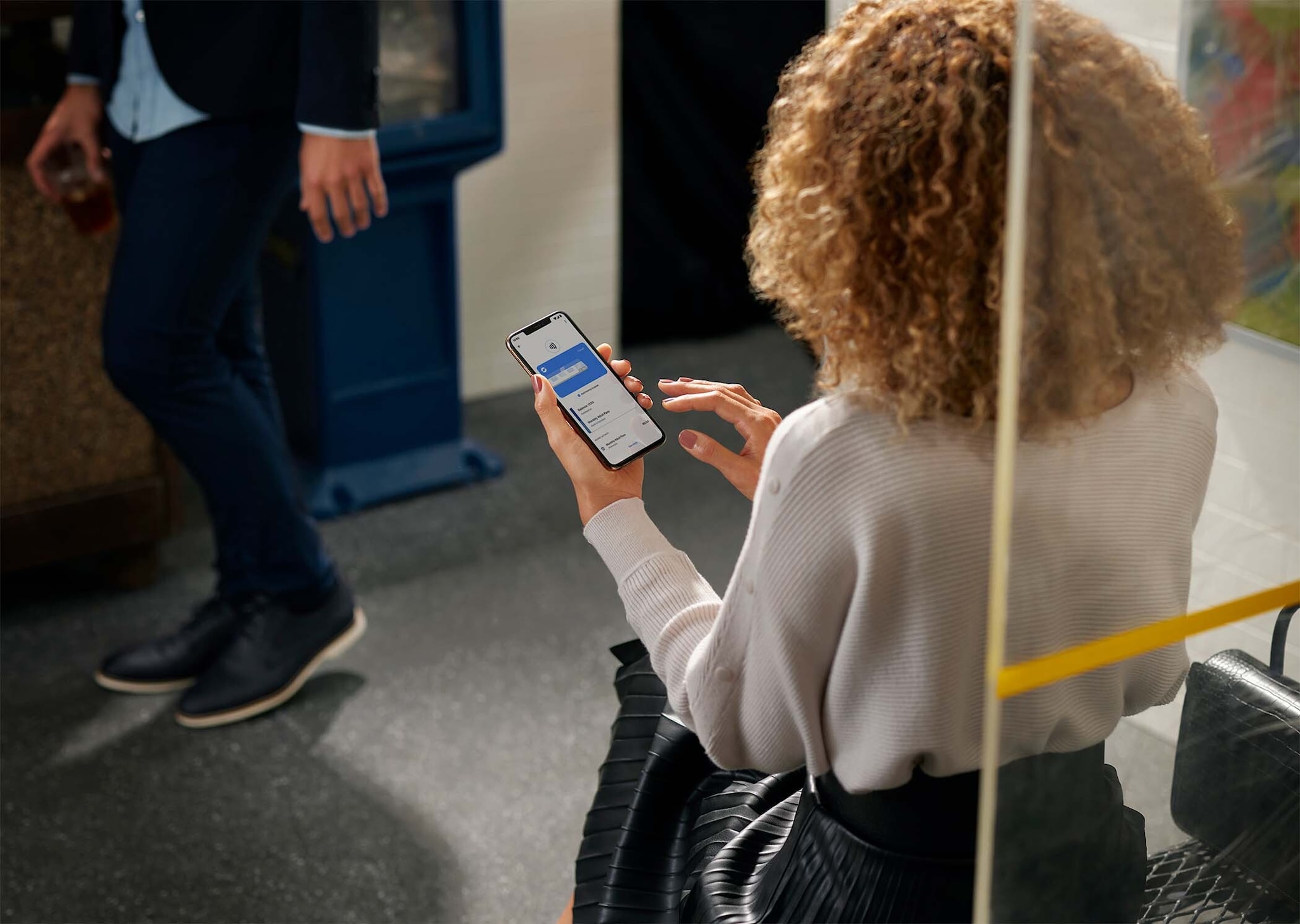
Step out the door with just your phone. You can use your mobile wallet with eligible American Express Cards on eligible bus, train and some ferries with the Auckland Transport Network. Tag on and off to enjoy American Express rewards.
Learn More
Mobile Wallet Security
Make easy cashless transactions that are safe and secure by using Google Wallet. Pay on the go and be in absolute control by authorising each payment you make.

You authorise each payment.
Whether it's a passcode, biometric recognition (face, iris or fingerprint scan), or a secure tap without unlocking your phone, you're in control.

Encrypted details.
To help protect transactions from fraud, your Card details aren’t saved to your phone. Instead, your device is given a unique token that’s then sent to the merchant.

Instant fraud alerts.
Our intelligent security systems send you instant alerts regarding odd or unusual activities detected in your account.
To learn more about Mobile Wallet Security Click here
Frequently Asked Questions
To make an in-store payment using Google Pay, wake up the device and tap the top of your device on the reader at a merchant where American Express Cards are accepted. You may be prompted to authenticate the payment by providing your PIN, passcode, pattern, or fingerprint to authorise the transaction. To make a purchase in participating apps, select the "buy with Google Pay" button when you reach the checkout screen.
With Google Pay, you can make secure mobile payments for any amount, the same as your physical Card. Please follow the prompts on the terminal. Check in-store for more details.
Any New Zealand American Express issued Cards. This includes American Express issued Personal, Small Business and Corporate Cards.
Currently, American Express Card Members are unable to use their Card with Google Pay for Auckland Transport services (buses, trains, and some ferry services). Auckland Transport is aware of the issue and is working to resolve it. In the meantime, you can continue to use your physical American Express Card to pay for transit.
Other questions
1. What happens if I lose my phone or Card?
If you lose or misplace your Card or device, chat with us in your Online Services or App or call the number of the back of your Card.You can also use features to find, lock or delete cards and data from your device that are provided by Google.
To find out how, please refer to Google’s support resources, such as Google Find Hub for locating or securing a device used with Google Pay.
2. Which devices are eligible for Google Wallet?
You need to have an NFC-enabled Android device. Google Wallet requires Android 9 or higher on your phone. If you have a Wallet on you watch, it requires OS 2.18 or higher. To download the Google Wallet app or to check if your device is compatible with Google Wallet, visit the Google Play Store. Near Field Communication (NFC) is the technology which allows your Smartphone to communicate with the terminal at any Merchant accepting contactless transactions.
3. Are there any charges associated with adding my Card to Google Wallet or to use the app?
There is no extra charge for using Google Wallet or adding eligible American Express Cards to the app. Google will preauthorize a small amount (typically $2) when you add your Card, but this amount should not appear on your statement when it is issued. If you see this amount on your bill, please contact Google to discuss it or American Express to dispute the transaction.
4. How secure are contactless payments using my Android device in Google Wallet?
Your Card is protected by your secure Android device lock - PIN, password or pattern. For your security, when you make a purchase using your Android device, you must unlock your device using device lock. All your payment information will be encrypted with SSL (Secure Socket Layer) technology and stored on secure servers. When you make contactless payments using your Android device in Google Wallet, your physical Card details are never shown in the app or shared with the merchant when you make payments in store.
5. Do I need to use my Card PIN with Google Wallet?
No, Not even for transactions over $200. Wake your device and hold it near the reader. If or when prompted, enter your device's unlock PIN, pattern, or fingerprint. Wait for the device to beep or vibrate, then look for the ‘checkmark’ on your screen.
6. Can I use Google Wallet as a backup if I misplace my Card?
Yes, Google Wallet can be used as a backup. If you report your physical Card as lost or stolen, your replacement Card details will be instantly updated in Google Wallet, and you will be able to continue making purchases without having to activate your new Card.
7. Do I need an internet connection to use Google Wallet?
You may require a mobile data or Wi-Fi connection to make Google Wallet transactions, to add a Card to the wallet, to replenish security settings, and after a device restart. You will need mobile data or Wi-Fi connection to receive the transaction notification.
8. Can I add more than one Card to Google Wallet?
Yes, you can add multiple Cards in your Google Wallet app.
Google, Android, Google Pay, Google Wallet and other marks are trademarks of Google LLC.
For more information from Google visit Google Pay
For our Terms and Conditions, Click here to know more.