




TAP. PAY.
RIDE.
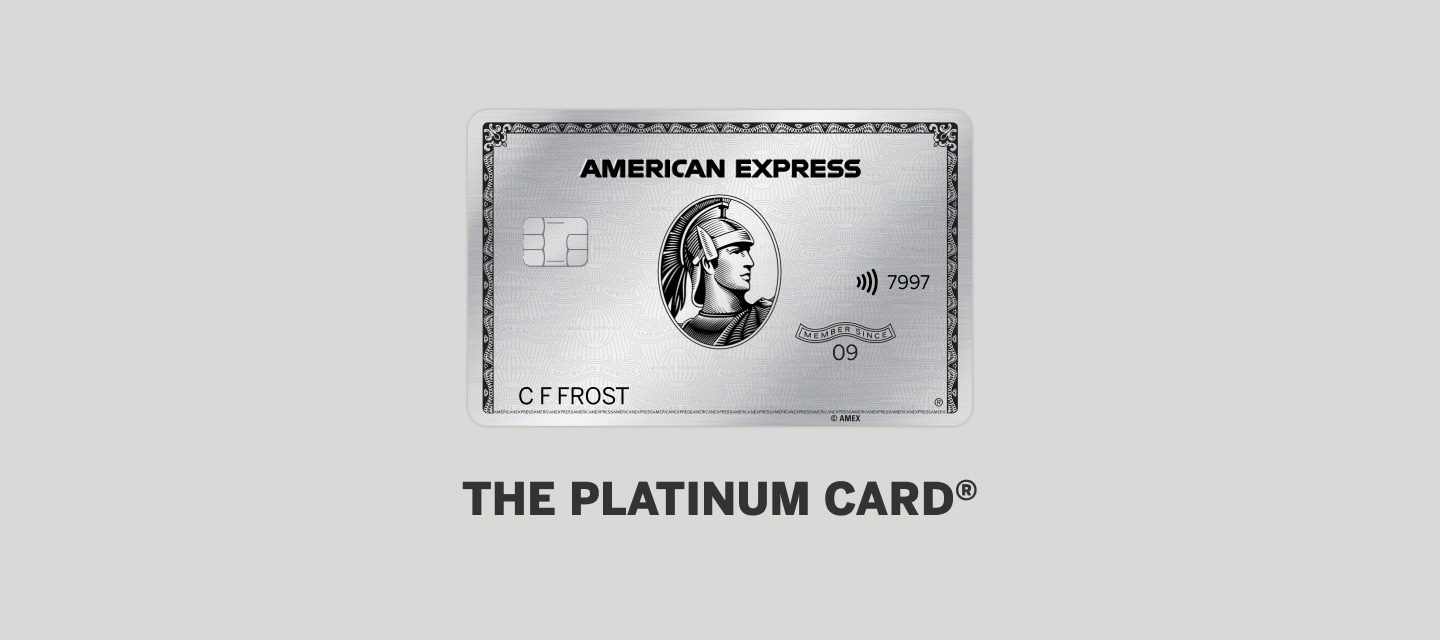
Your American Express® Card is now accepted on public buses and trains.
For seamless transactions on the go, simply add your Card to your preferred mobile wallet app (Apple Pay, Google PayTM, Samsung Pay).
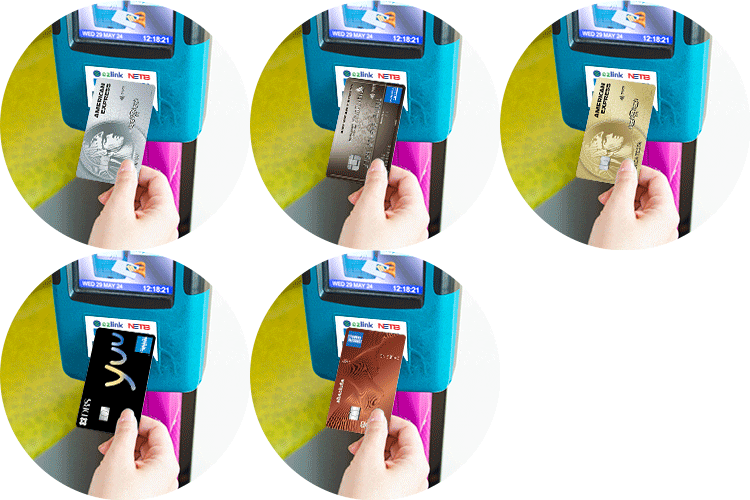
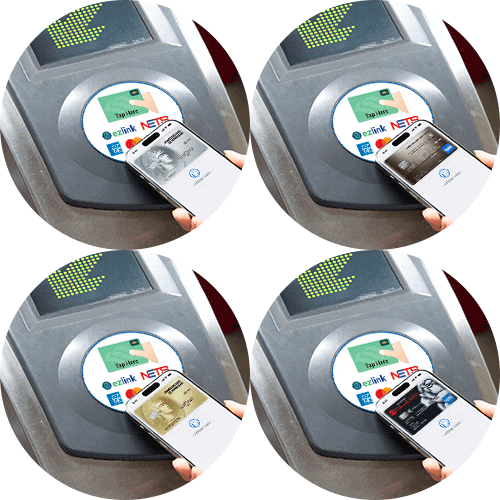
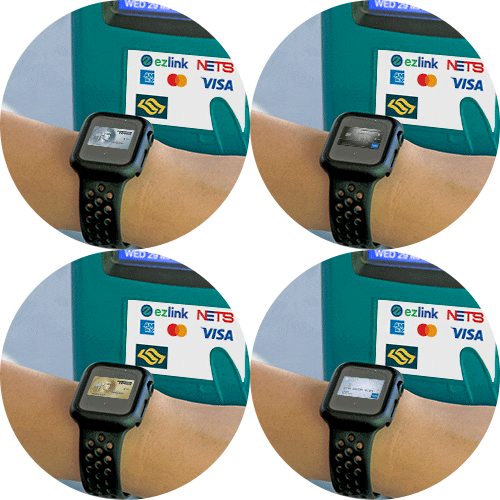
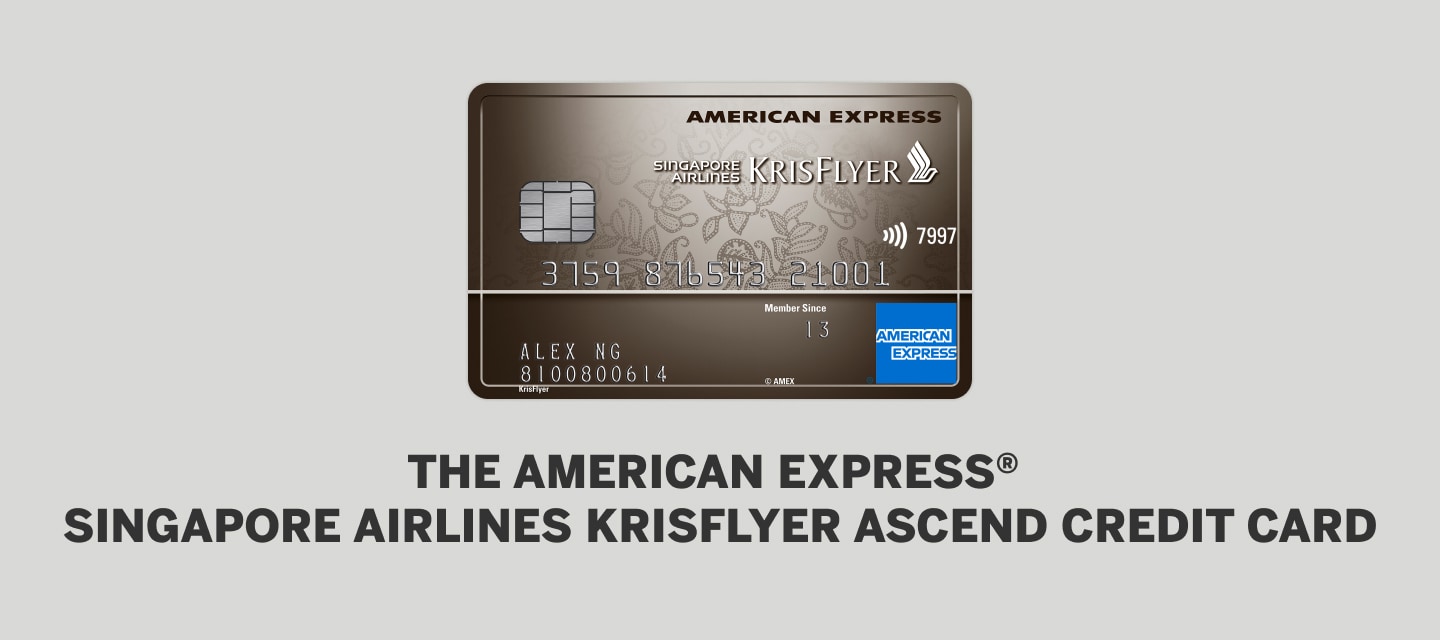
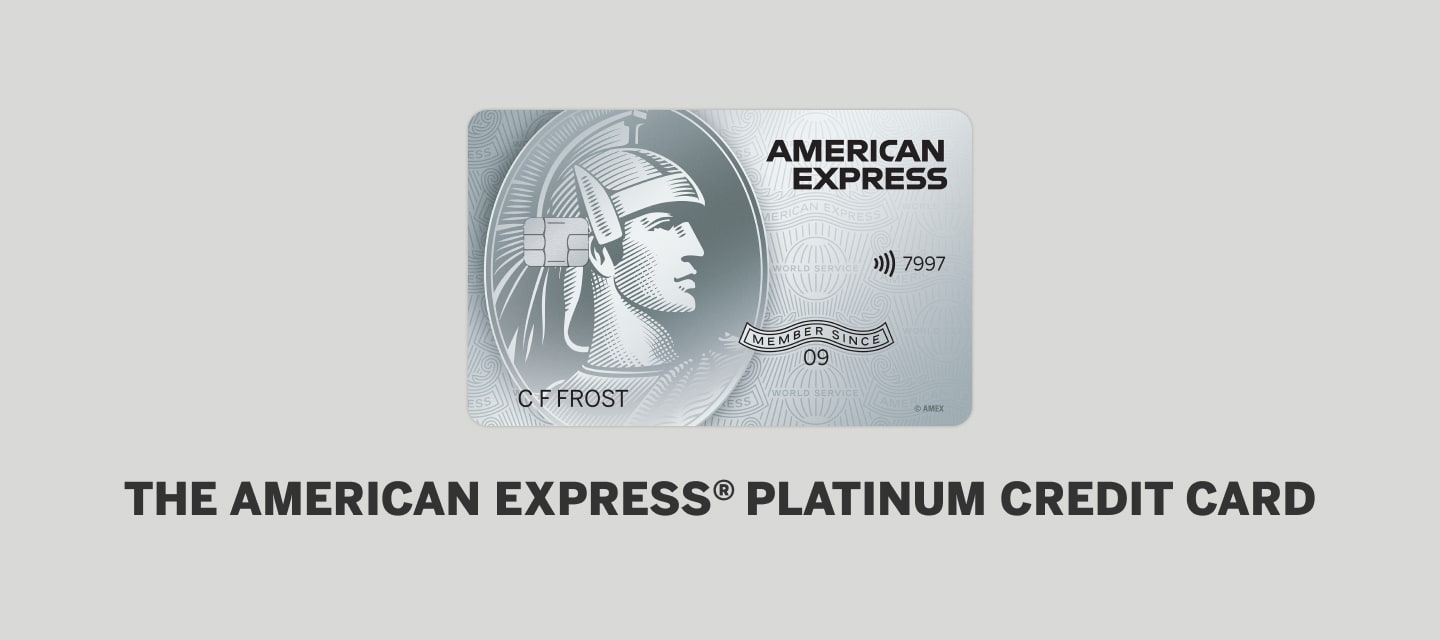
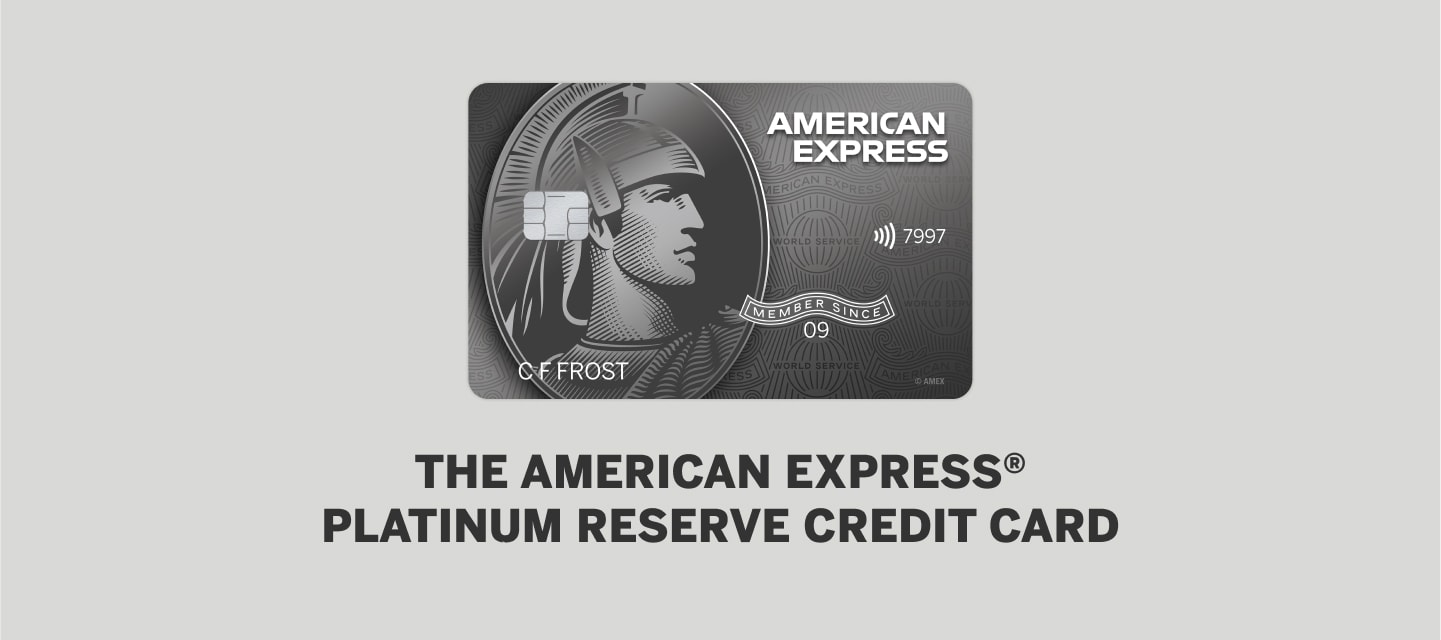
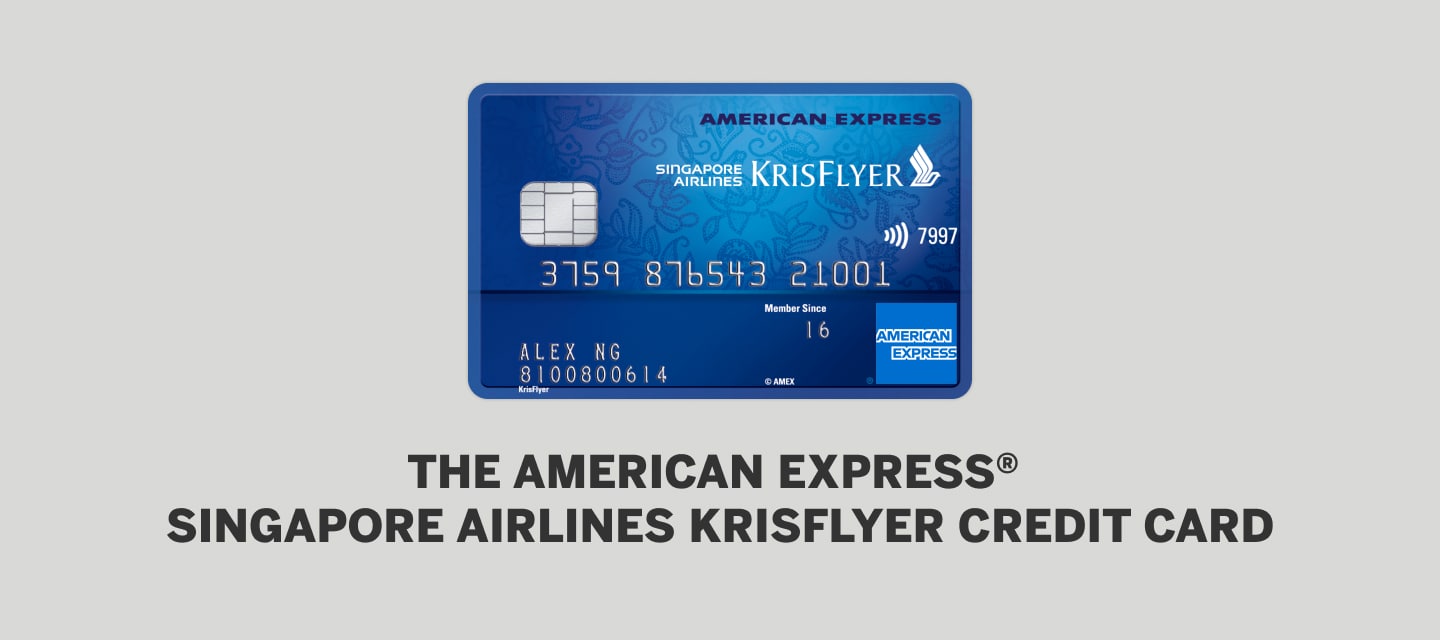
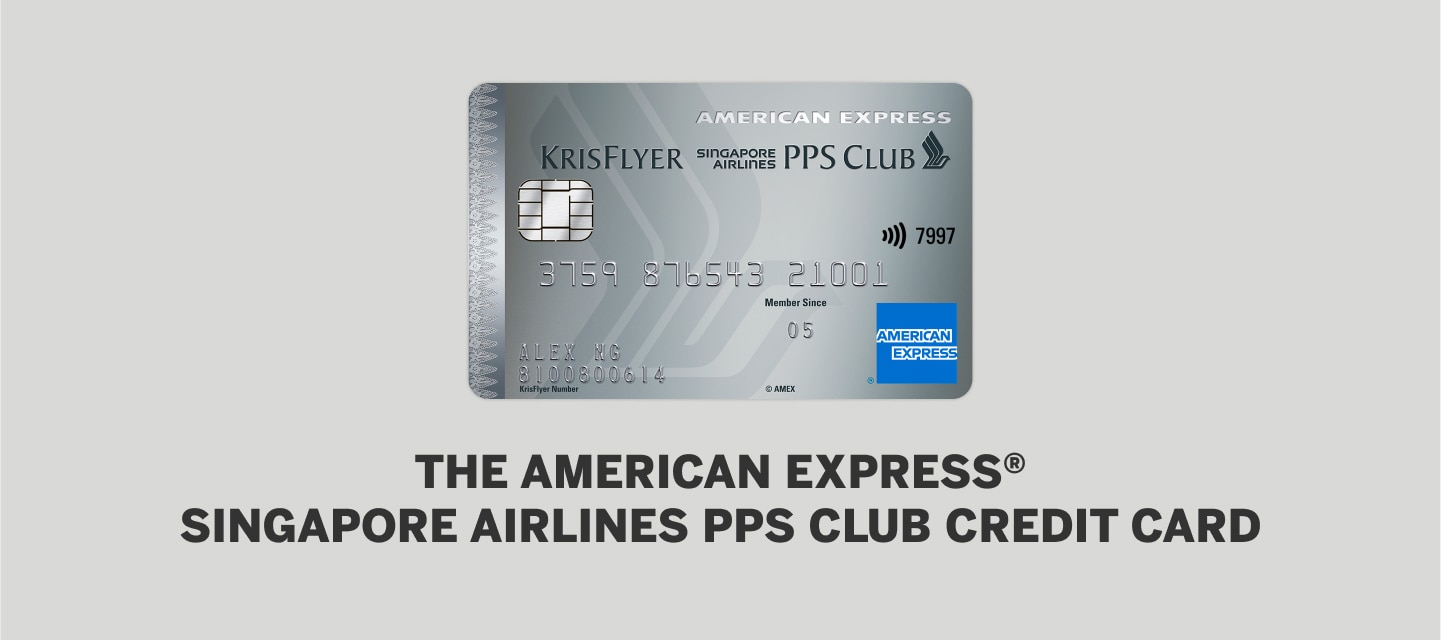
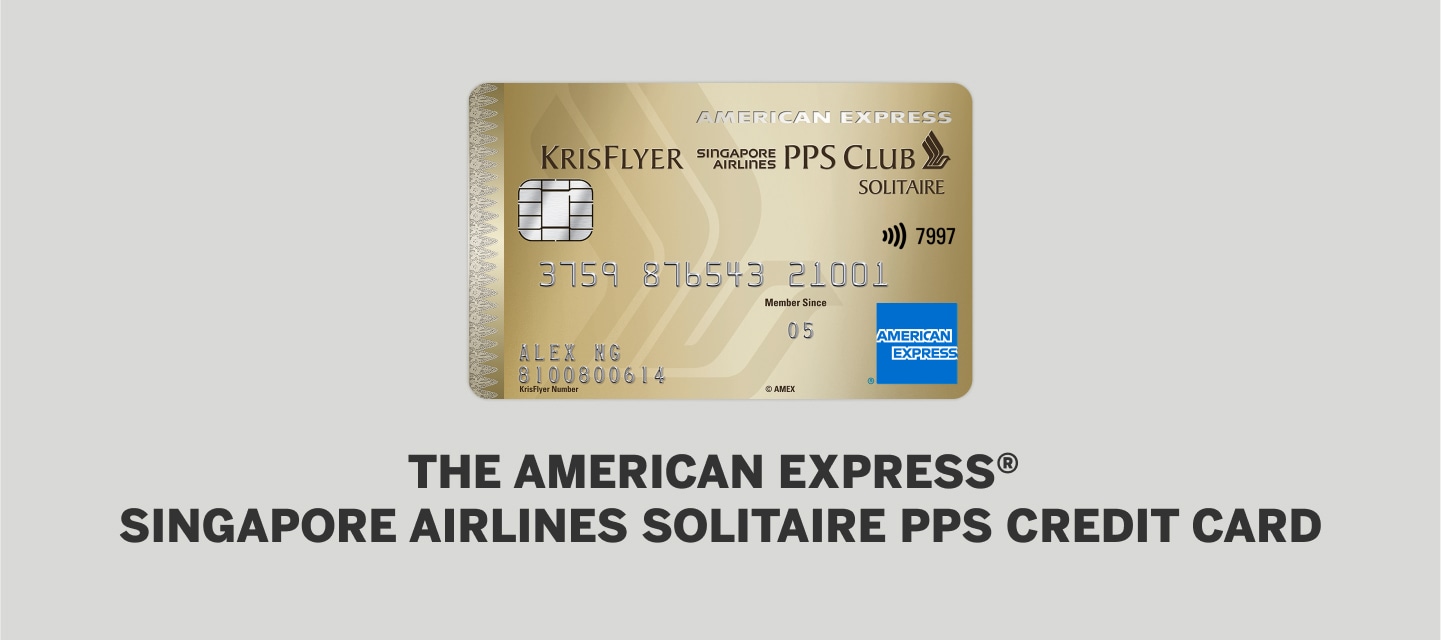
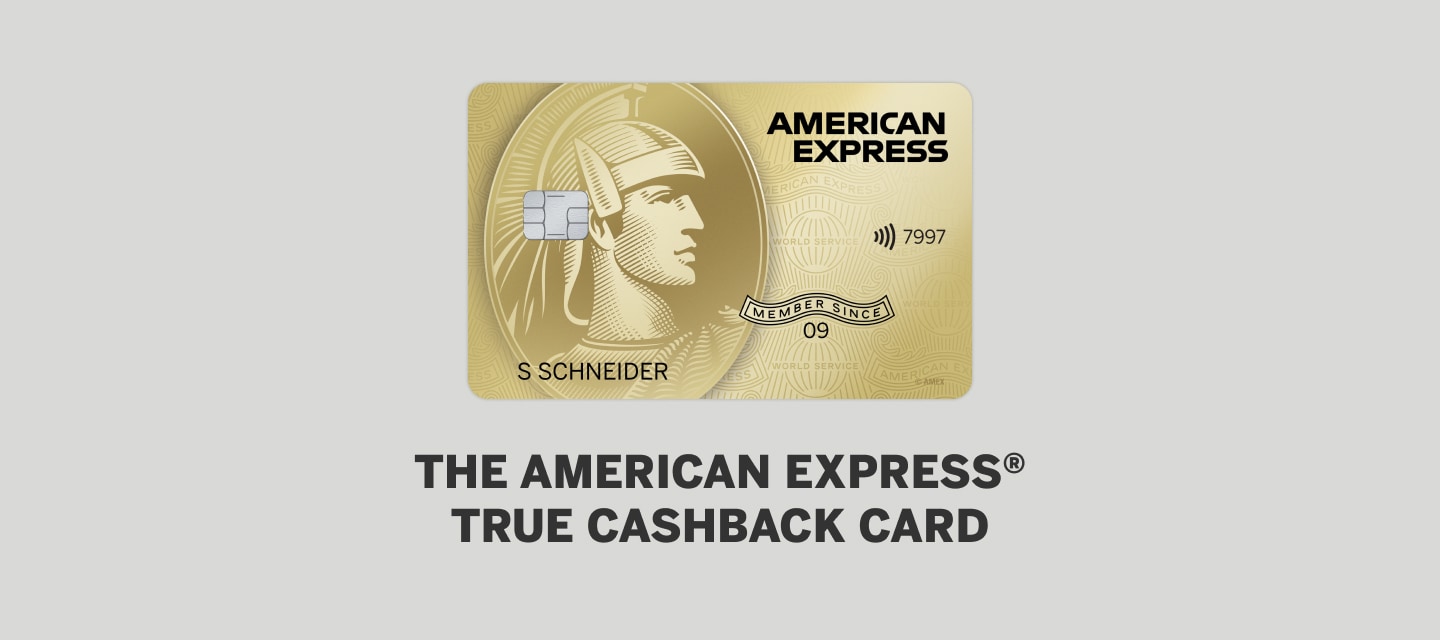
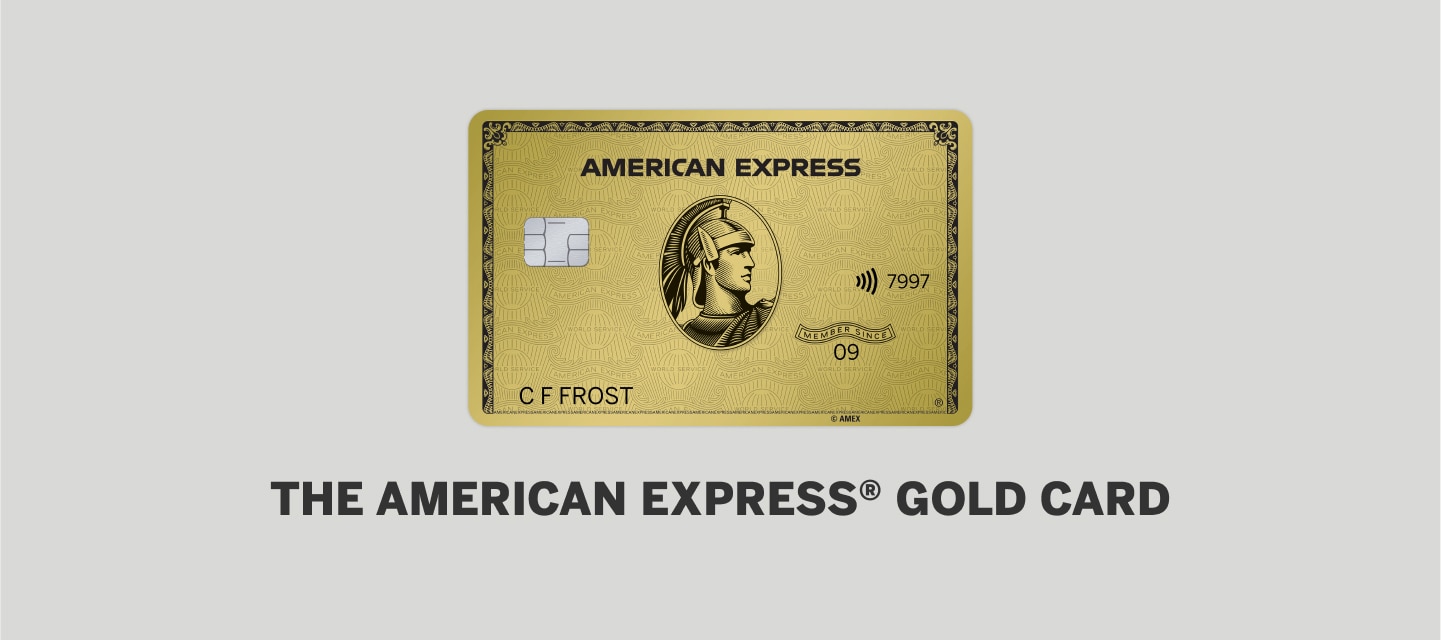
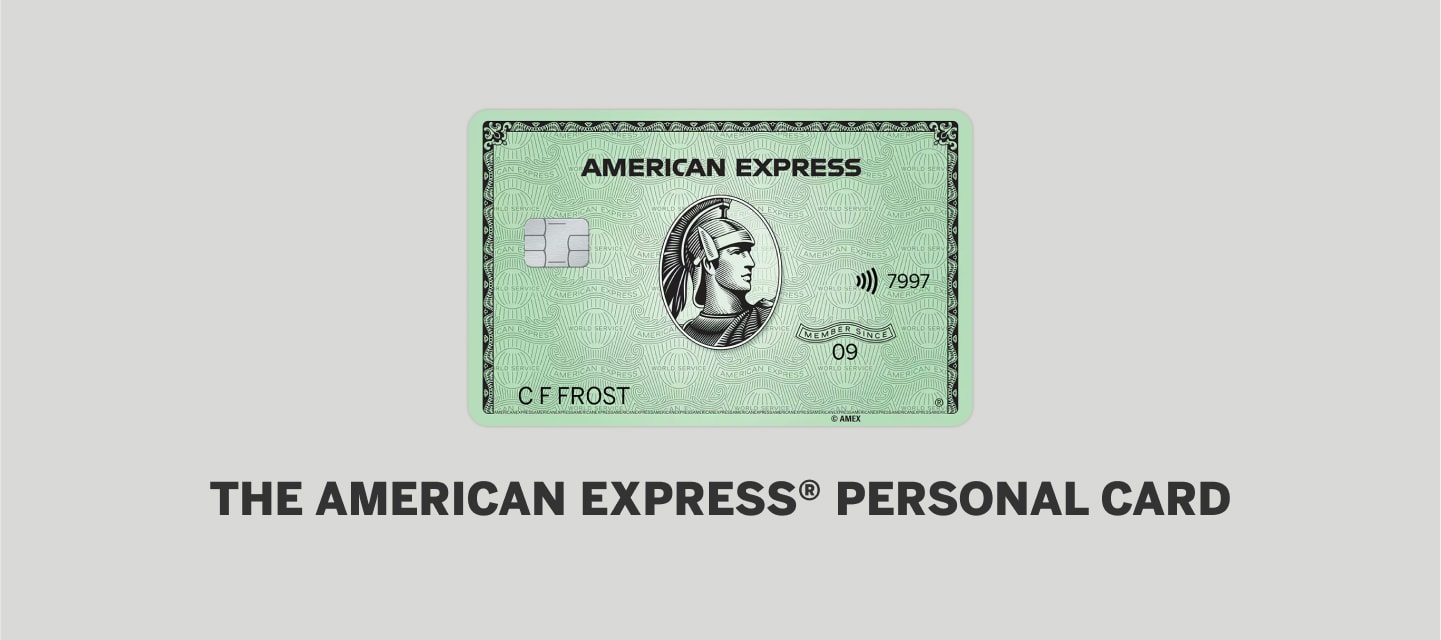
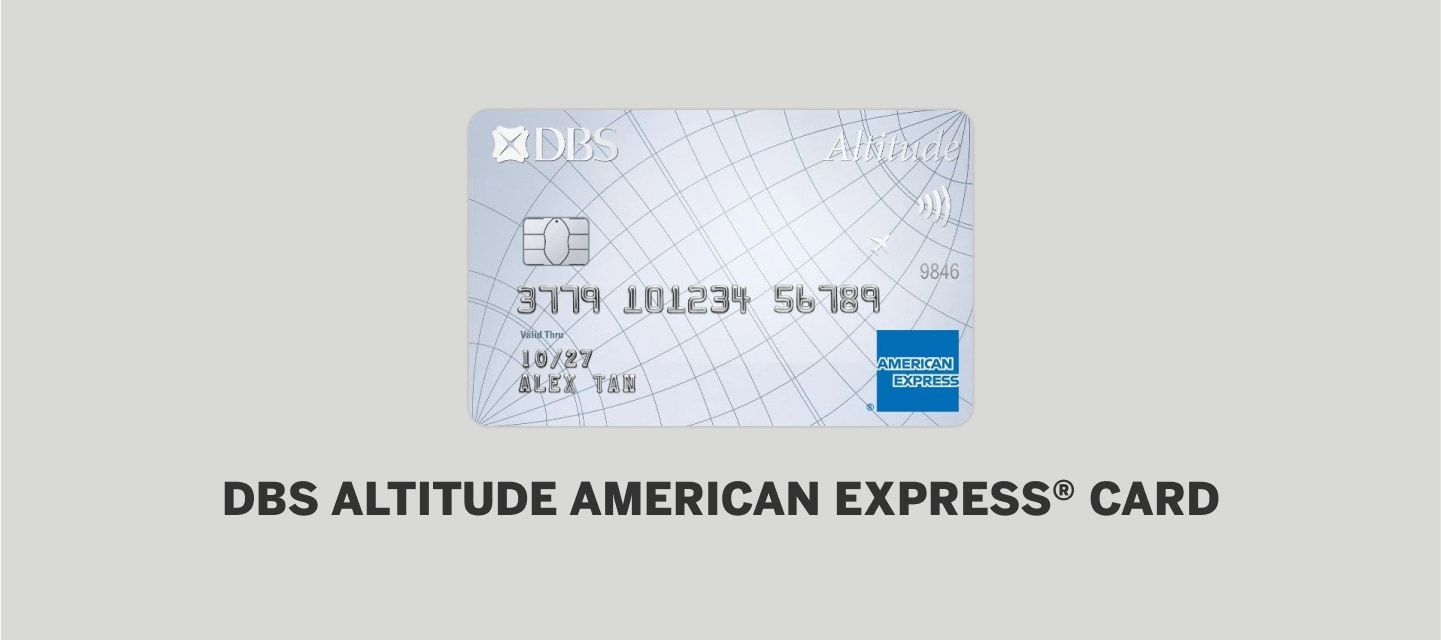
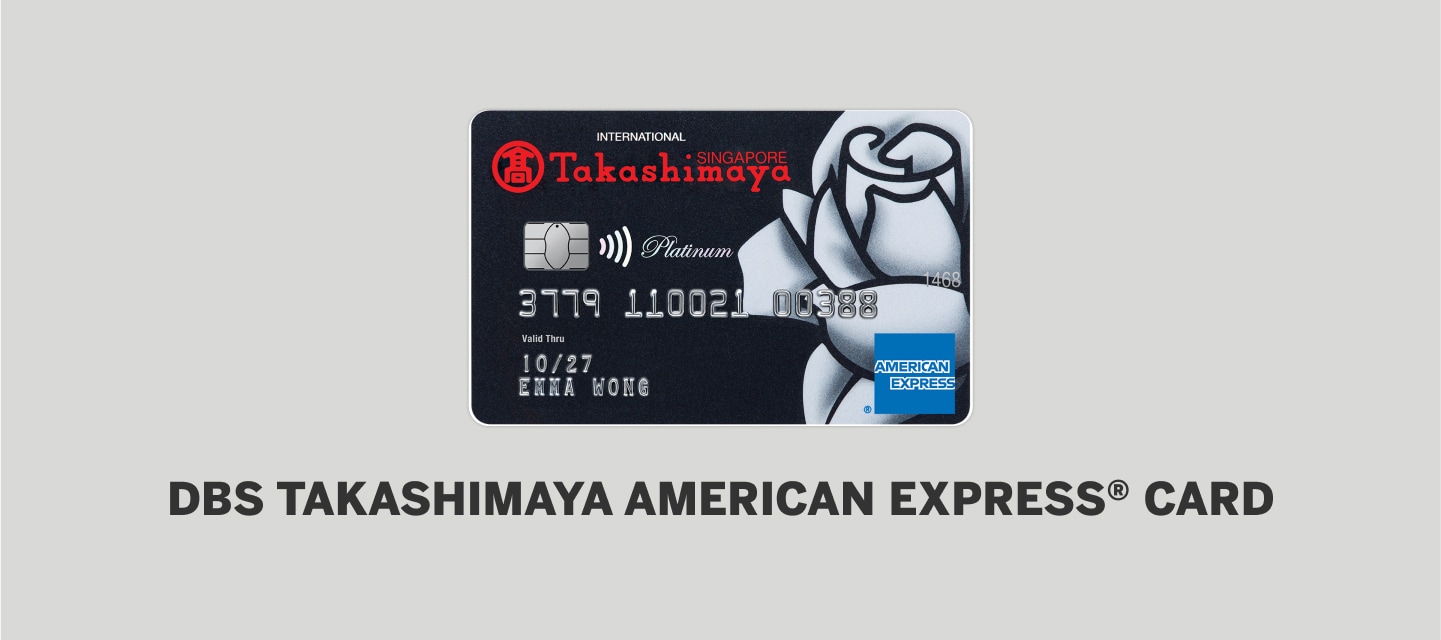
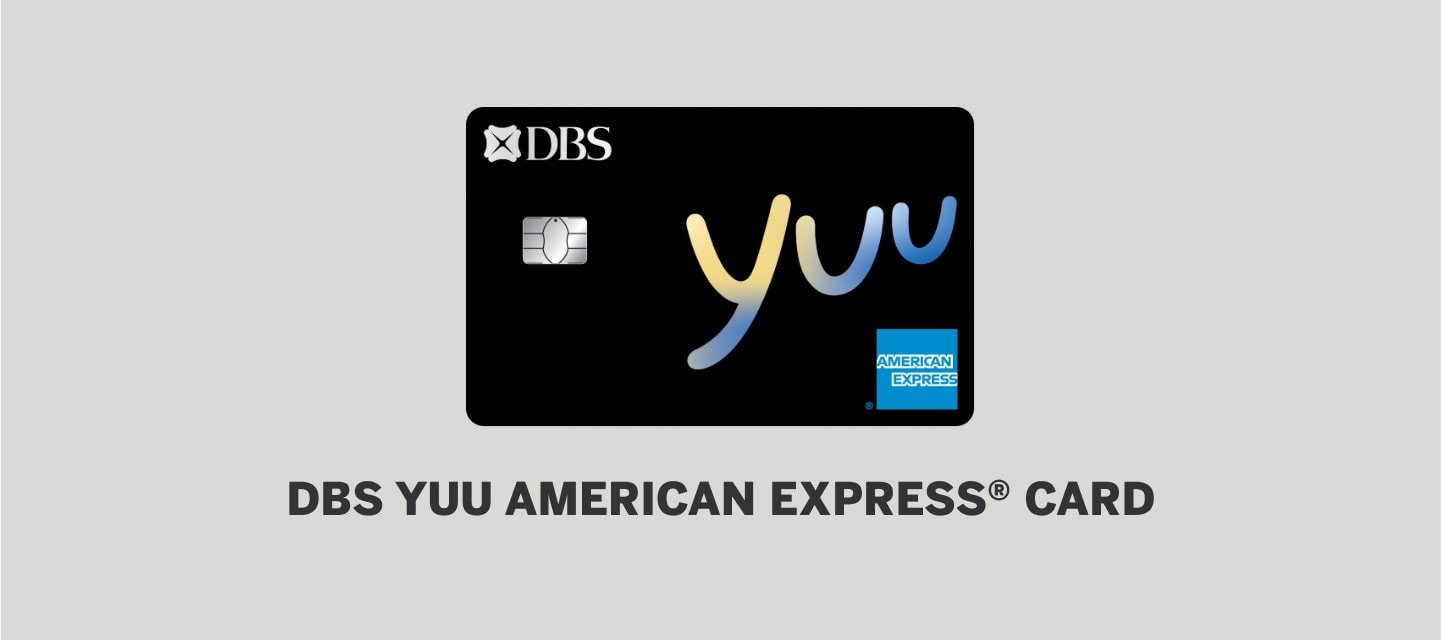
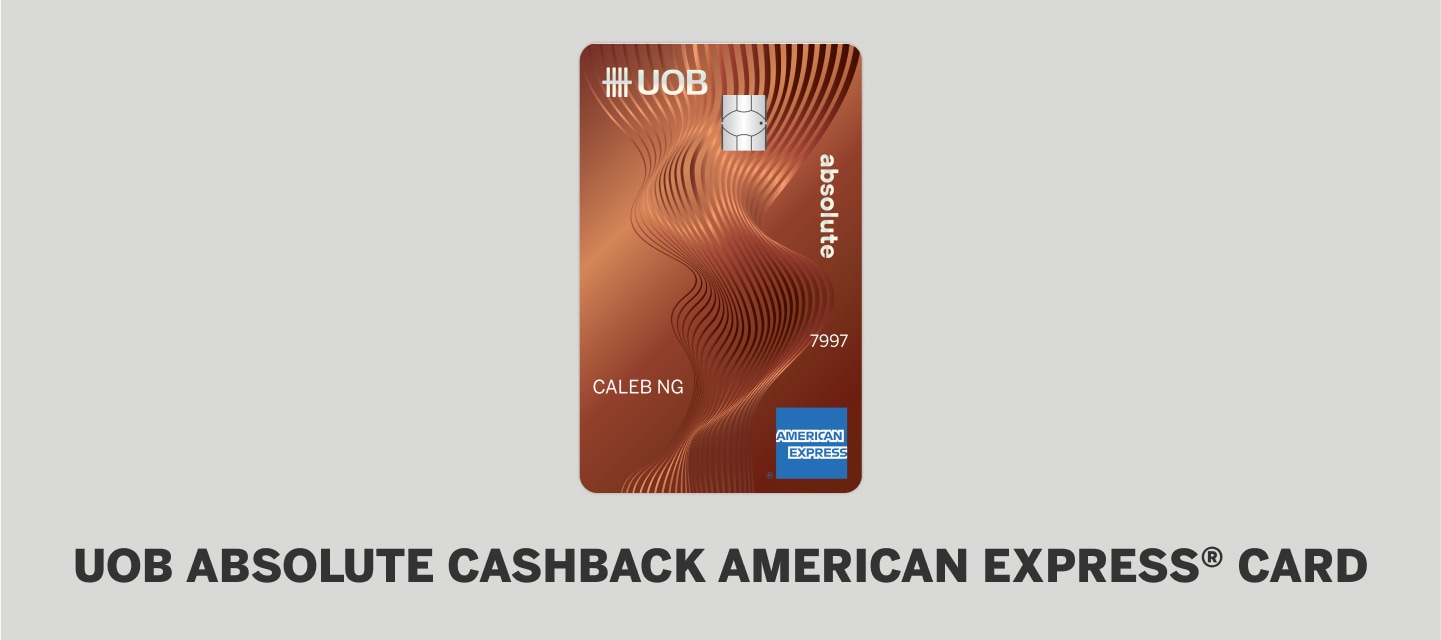
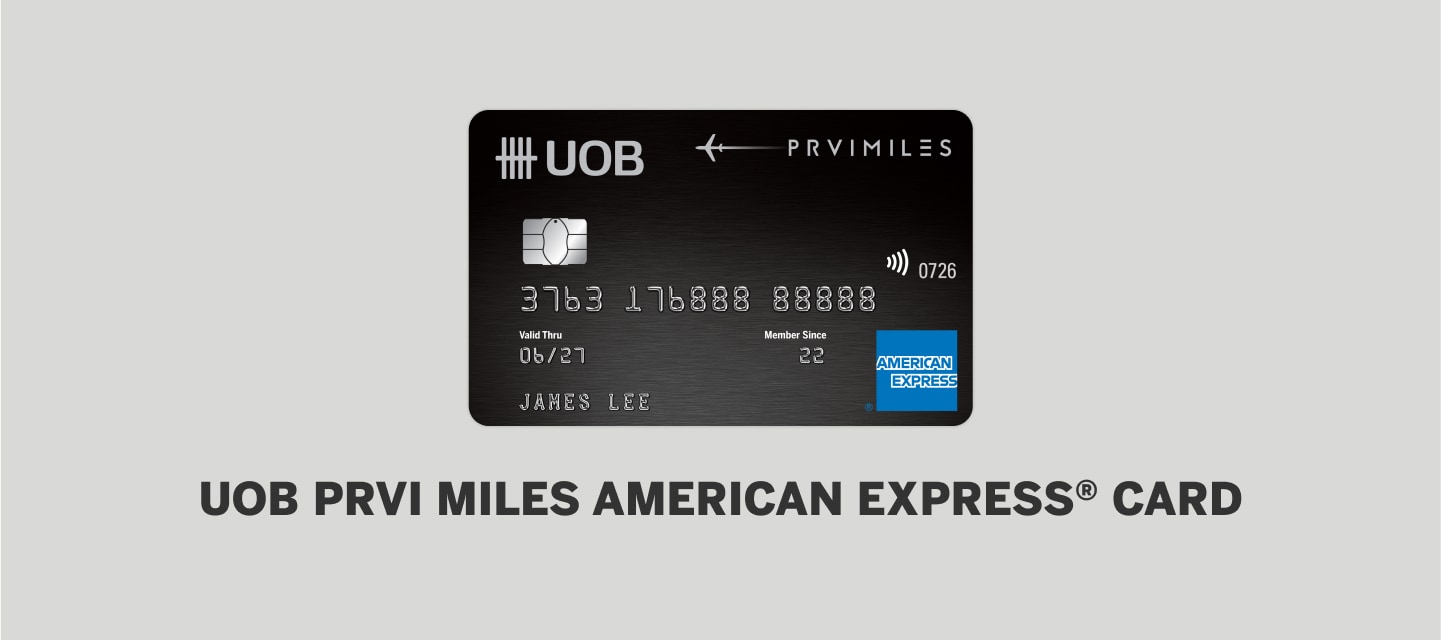
Cards Usage
You can start using your American Express contactless cards for fare payment from 15 May 2025 onwards.
Your American Express contactless card works exactly like your existing travel card. You will just need to tap your American Express contactless card at the card reader at the train gantry or in the bus at the point of boarding and alighting.
All American Express contactless cards, including foreign-issued cards as well as cards issued by our bank partners are accepted in public transit. To see if the card you currently have can make contactless payments, look for the contactless symbol on the back of your Card.

Please take out the card you intend to use from your bag or wallet so that you tap only one contactless card when using the transit system. Ensure that you always tap in and out using the same card. This prevents the system from considering the entry and exit as two separate transactions.
When a transit device detects the presence of more than one contactless card, an error message may appear and you will be denied entry or exit. If several contactless cards are detected, more than one card may be charged.
If you tapped in with your mobile wallet on your mobile phone at MRT gantries or when boarding the bus, please tap out with the same device i.e. your mobile phone. The same applies for payment with your wearables. This is to prevent the system from considering the entry and exit as two separate transactions.
You will see the following messages (as shown in the pictures below) when multiple contactless cards are detected at the fare gates or card readers, and you will not be able to enter/exit the station/bus. Please take out the card you intend to use from your wallet or bag so that you tap only one contactless card at the fare device to enter and exit, and always tap in and out with the same card.
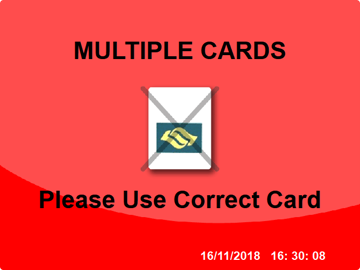
Fare gates at MRT stations
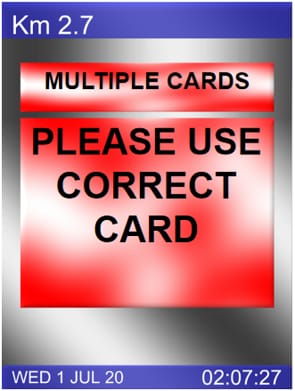
Card readers on buses
Please call your Card Issuer immediately to report loss and prevent misuse.
For Personal and Small Business Cards issued by American Express International Inc, no rewards (including Membership Rewards® points, Cashback, KrisFlyer miles, HighFlyer points and STAR$®) will accrue for payments made on public transit in Singapore.
For American Express Cards issued by DBS Bank Limited and UOB Bank Limited, please contact your respective Card issuer for more information.
What is SimplyGo?
‘SimplyGo’ provides a range of e-payment options in-transit for commuters, bringing more ease and convenience for fare payments on trains and buses. Commuters can use their contactless bank cards (American Express, Mastercard, NETS and VISA) or American Express/Mastercard/Visa cards added to the mobile wallet* for fare payments, eliminating the need for top-ups or carrying a separate travel card. They can also use their SimplyGo EZ-Link cards or SimplyGo Concession card.
When using contactless bank cards, mobile wallets and SimplyGo EZ-Link cards for travel on public transport, regular adult fares will be charged.
With SimplyGo Concession cards, card holders will continue to enjoy subsidised fares for travel on public transport.
*The mobile wallets include Apple Pay, Google Pay, Samsung Pay, Fitbit Pay, and Garmin Pay. American Express contactless cards are compatible with Apple Pay, Google Pay, and Samsung Pay.
Check your travel transactions through the SimplyGo app.
SimplyGo Account
You do not need to sign up for a SimplyGo account to use your American Express contactless card for transit. You can also use your American Express contactless card or American Express cards added to the mobile wallet immediately for fare payments.
To enjoy added convenience of accessing your travel history and transactions anytime, anywhere, please sign up for a SimplyGo account via the SimplyGo app and register the American Express card(s) that you wish to use for transit payment.
To ensure that travel fares are charged to your American Express contactless card, please take out the card from your bag or wallet so you tap only one card when using the transit system. Also, please use the same mode of payment (i.e. do not tap in using a physical American Express contactless card and tap out using a mobile wallet with the same card added). This prevents the system from considering the entry and exit as two separate transactions.
If you encounter any errors with registering your American Express card(s) on the SimplyGo app, please ensure that you have the latest version of the app installed.
You may download the SimplyGo app to register for a SimplyGo account.
Creating an account
- Step 1: Enter your mobile number
- Step 2: Tap "Create Account"
- Step 3: Enter your details
- Step 4: Enter the OTP sent to your mobile number and tap "Continue"
You may refer to the step-by-step user guide on the SimplyGo app here.
- Step 1: Tap "Add Card +"
- Step 2: Select "Credit / Debit Card"
- Step 3: Select your card type then enter a card name
- Step 4: Complete the verification process
You may refer to the step-by-step user guide on the SimplyGo app here.
- Step 1: Tap "Forgot Password"
- Step 2: Enter your mobile number and email address
- Step 3: Enter the OTP sent to your mobile number and tap "Continue"
- Step 4: Enter your new password You may now log in to your account.
Enabling biometric login
- Step 1: Tap the "Profile" icon
- Step 2: Toggle on "Use Biometric ID for Login"
You may refer to the step-by-step user guide on the SimplyGo app here.
No, the SimplyGo account is non-transferrable.
-
Android Users
- Step 1: Tap "Profile"
- Step 2: Scroll down and tap "Logout"
-
Apple iOS Users
- Step 1: Tap "Profile"
- Step 2: Tap "Settings"
- Step 3: Tap "Logout"
You may refer to the step-by-step user guide on the SimplyGo app here.
To update your mobile number or email address, please call the SimplyGo Hotline at 1800-2255 663 (available from 8 am to 6 pm daily except public holidays) for assistance.
Removing a travel card
- Step 1: Select the card you wish to remove
- Step 2: Tap the three dots on the top right
- Step 3: Tap "Remove Card" Once the selected card is removed, all existing and future transactions and travel history of the card cannot be viewed.
You may refer to the step-by-step user guide on the SimplyGo app here.
Mobile Device Usage
If your card is issued by American Express International Inc or DBS Bank Limited, you can use your mobile device for fare payments after you have added your American Express contactless card to your digital wallet (Apple Pay, Google Pay or Samsung Pay).
You will only be able to use the physical card for fare payments for American Express Cards issued by UOB Bank Limited.
You will be able to start paying for fares with your American Express contactless card through your mobile device from 15 May 2025 onwards.
Fares and Billings
Yes, you can pay for both train and bus fares (basic and premium bus services) with your American Express contactless card under the SimplyGo System, except for private buses.
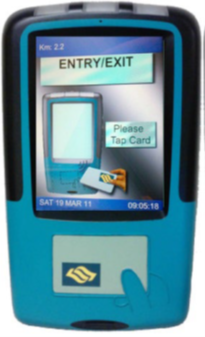
Please note that for premium bus services, your American Express contactless card can be used to pay for fares only if they are operated by public transport operators (PTOs) and not private operators. All PTOs-operated buses (basic and premium bus services) are installed with a standard card reader as shown below.
The current adult fares and transfer rules are still applicable when you use your American Express contactless cards for transit. Please refer to the Public Transport Council website for more information on fares. There are no administrative fees for foreign-issued American Express contactless cards for transit payment.
Please note that concessionary fares and concession passes are not applicable when using American Express contactless cards.
There are no additional charges when using American Express contactless cards for this service.
The transactions will be processed and charged to your contactless cards with the merchant descriptor name – BUS/MRT.
Transit fares will be accumulated daily to your American Express contactless card and the accumulated amount will be posted to your respective Card Issuer after 3 days from date of transaction.
As the postings will not contain any reference details, please log in to your SimplyGo account via the SimplyGo app to view the breakdown of the aggregated fares.
Please do not use your American Express contactless card for transit if you have insufficient credit or funds in your account. You may wish to call your Card Issuer to check the adequacy of funds/credit in your card account.
Alternatively, please use other modes of payment.
When using your American Express contactless card for transit payment, the fare reader will display “Bank Card Usage” when you tap to enter and exit. You will be able to view the details of each transaction in your SimplyGo account on the SimplyGo app. You can choose to turn on push notifications on your mobile devices to receive alerts on fare charges from the mobile app each time you tap out.
Trip fares cannot be instantaneously displayed on the fare reader at the point of exit due to the SimplyGo system.
To be notified of the fare charged for each trip and to view details of past transactions, please add your travel card to your SimplyGo account and enable push notifications on the SimplyGo app.
There is no cap on the fares charged or the number of commutes that can be made when using your American Express contactless card for transit. It is subject to the credit limit available in your card.
If there are any discrepancies in your travel transactions or billings, you may submit claims for the travel transactions of the cards that are linked to your SimplyGo account via the SimplyGo app.
Under the Distance Fares system, trips made within the same journey will be consolidated before the fare is finalised. Hence, your fare will be indicated as ‘Pending’ in your travel transaction history before it is finalised. Please file your claim only after the fare has been finalised (i.e., the fare is no longer indicated as ‘Pending’).
Claims must be filed within 60 days from the date of fare transaction.
Please note that you can only view up to the last 180 days of your transaction history.
You may refer to the step-by-step user guide on Claims Submission on the SimplyGo app here.
For Rail
A posting of Incomplete Rail Transaction will be reflected in your statement as “Missing Entry” / “Missing Exit”, if the point of entry or exit is not recorded in the SimplyGo system. A flat fare of S$2.40 will be charged, regardless of the distance travelled.
A posting of Rail Overstay Charge will be reflected in your statement as “*”, if you exceed the time limit allowed for exiting a station. In this case, you will be charged an additional fee of S$2, on top of the actual fares incurred.
For Buses
For missing entry, the ride will be charged from the first bus stop of bus route to the point of exit. For missing exit, the ride will be charged from the point of entry to the end of bus route.
A nominal authorisation fee of S$0.10 will be initiated after a posting of payment is made to the card used at the point of boarding. The nominal authorised amount is reflected as the earmarked amount on your card and will be released based on the respective Card Issuers’ policy.
Transaction History
Viewing card details, balances & trip details
Step 1: Select the card you wish to view details of
Step 2: View card balance, card expiry date and travel transactions
You may refer to the step-by-step user guide on the SimplyGo app here.
You may view your transaction history via the ticketing service kiosks.
Assistance
If you face entry/exit mismatch at the point of boarding or alighting can approach the officers at the Passenger Service Centre (PSC) or Bus Captains for assistance.
For repeated declined transactions, please use other modes of payment for public transit usage.
More information on SimplyGo is available on the SimplyGo website or SimplyGo app.
For other enquiries, please call the SimplyGo Hotline at 1800-2255 663, from 8am to 6pm daily, except on public holidays.