


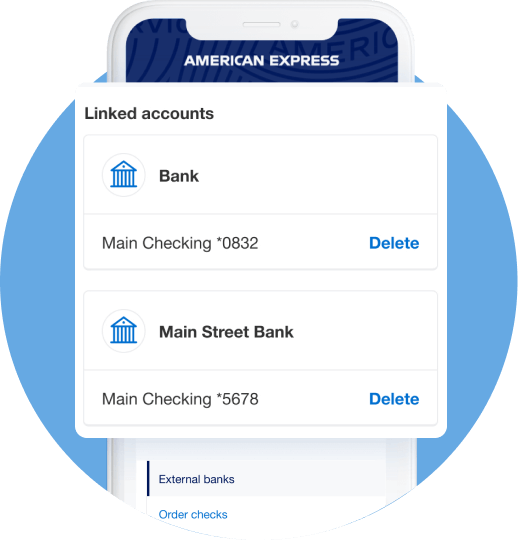
For illustrative purposes only
Get Started:
Add a bank account
Link your Business Checking account with your other bank accounts to make transfers, payments, and deposits.
Here’s how
You can manually add an external bank account or log in to an external account with your credentials to link to your American Express® Business Checking account.
You can also link to an existing account that's currently linked to your American Express® Cards.
- Log in to your Business Checking account.
- Under Account Balances, select your "American Express® Business Checking Account."
- Navigate to the "Manage" tab and select "Manage external bank accounts."
- Select "Link account" to select link option desired and follow steps.


