
Follow the instructions given in the article to update account limits and details.

MANAGE LIMITS OVERVIEW
VIEW/EDIT AN ACCOUNT
UPDATE LIMITS














Offers Carousel
-
-
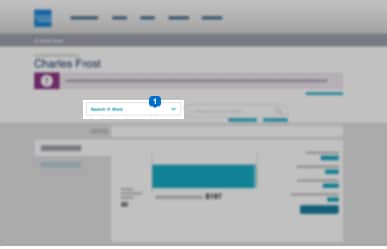

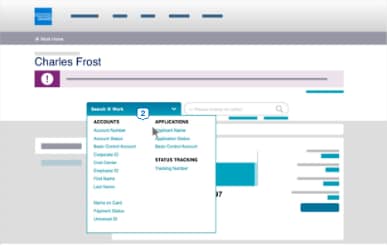
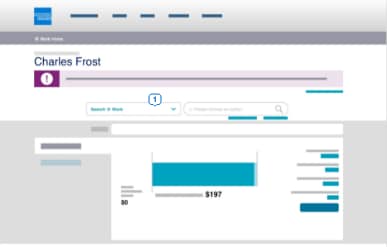
On the homepage, click Search @ Work1.
-
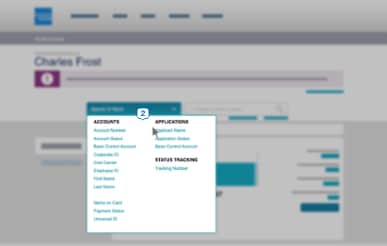

The drop-down menu will give you several options to search for Card Member accounts.
-
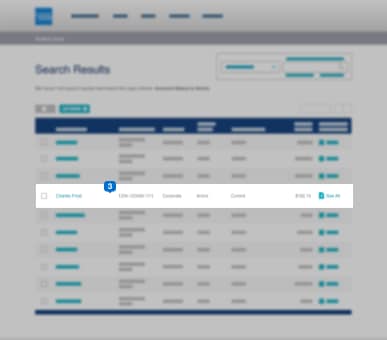

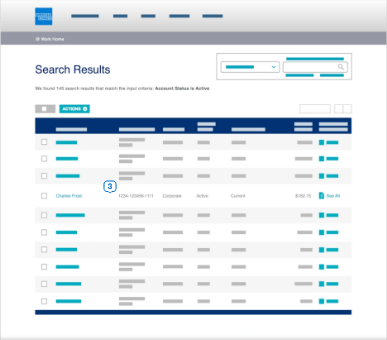
Select an account from the search results.
-
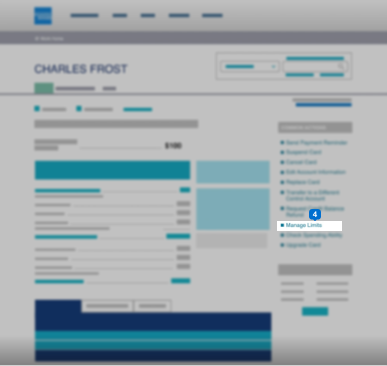

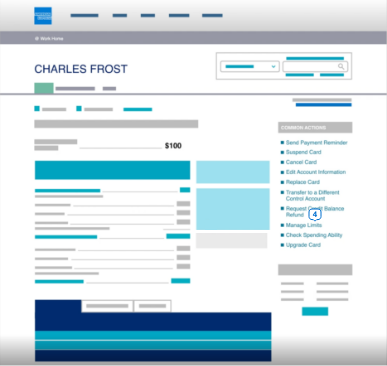
Once you reach the summary page of the selected account, click Manage Limits on the common actions.
-
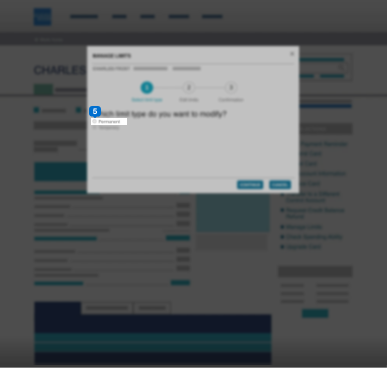

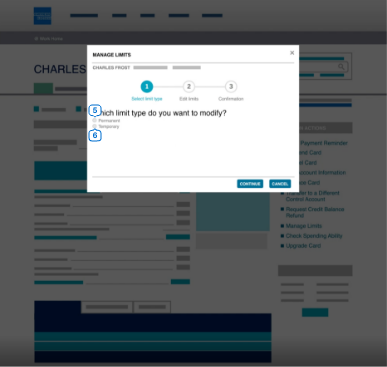
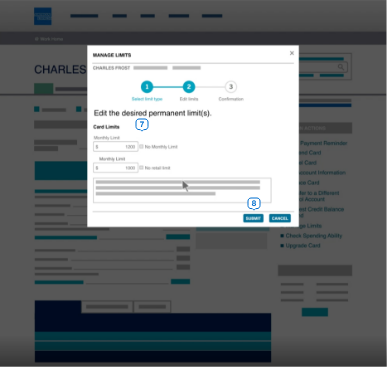
Modify temporary or permanent limit by selecting the preferred option.
-
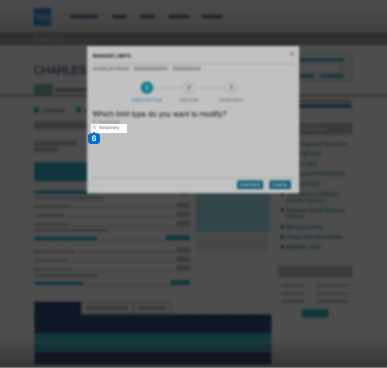

Click Continue.
-
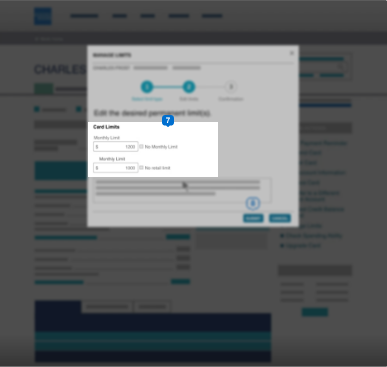

Input the desired Card limit.
-
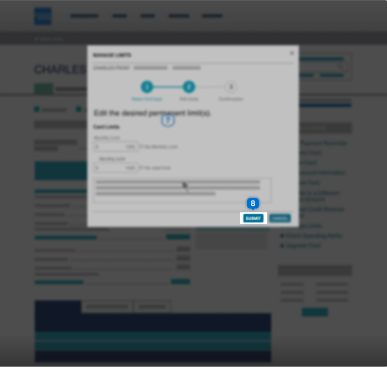

Click Submit.
-
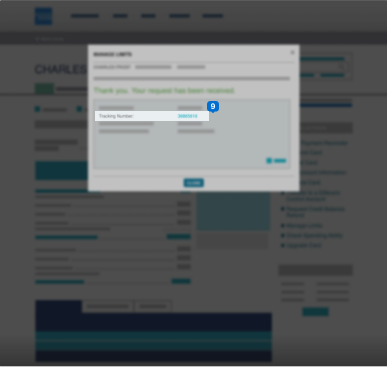

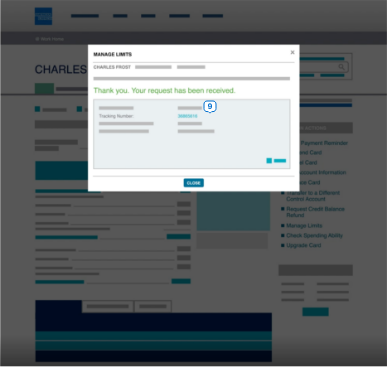
A confirmation page will appear with the tracking number for future reference.
UPDATE INFORMATION
Offers Carousel
-
-
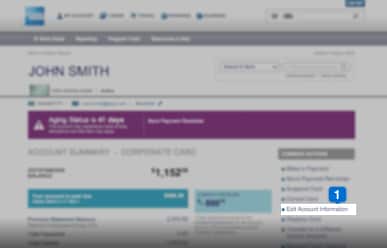
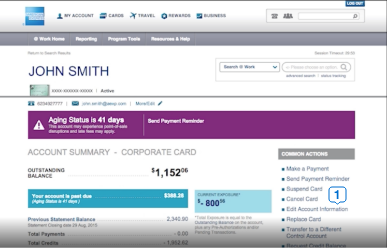
Click Edit Account Information in the Common Actions menu.
-
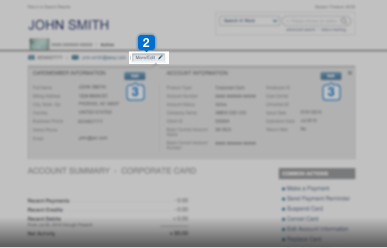
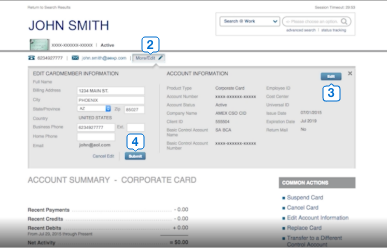
For quick edits, click More/Edit option at the top of the account summary page.
-
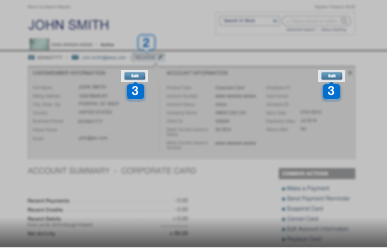
Click Edit to modify Card Member or account information. Please note that you can edit only one part at a time.
-
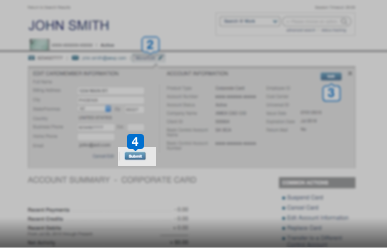
Once you have finished editing the details, click Submit.
-
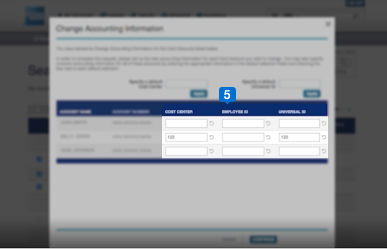
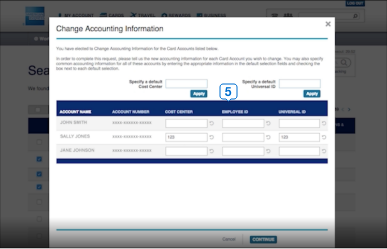
To edit multiple account information, select the accounts in the search results and click Change Accounting Information. After editing the details, verify and submit.
Terms & Conditions
1Use of American Express @ Work ® is restricted to employees, contractors and/or agents that the Company, and its representatives designate for the sole purpose of performing online account queries and maintenance, including accessing and/or creating reports relating to the Company's American Express® Corporate Card programs. @ Work is available to all companies with an American Express Corporate Card program.
Enrollment is required. To enroll in @ Work please contact your American Express Representative or call 1-888-800-8564.
© 2021 American Express.