
Follow these instructions to use @ Work1 Reconciliation for Business Travel Accounts.

OVERVIEW
VIEW PREVIOUS BILLING CYCLE






Offers Carousel
-
-
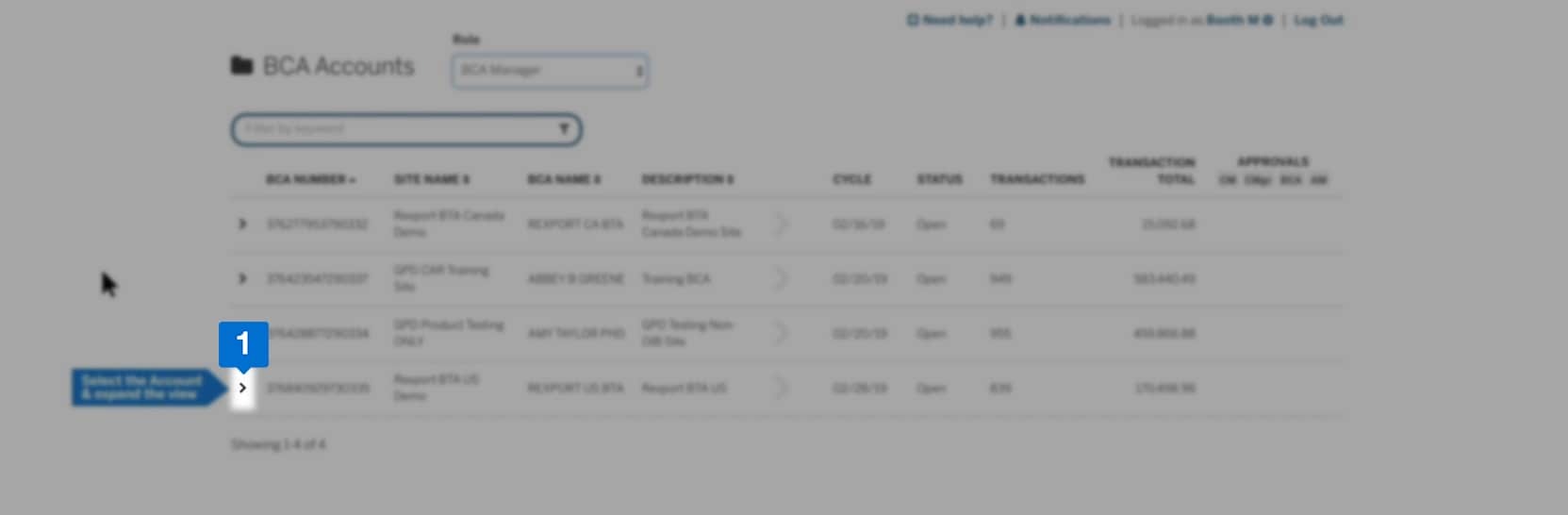

Click the arrow key to view up to 12 previous billing cycles.
-
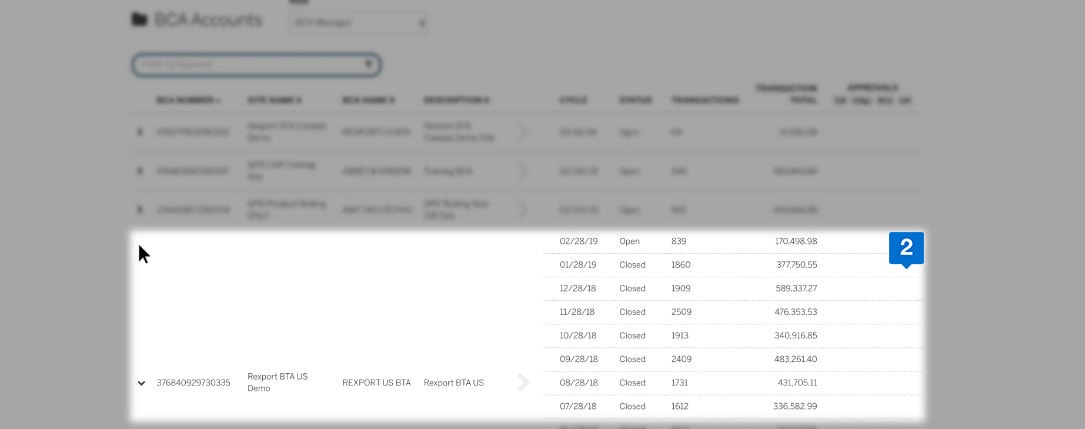

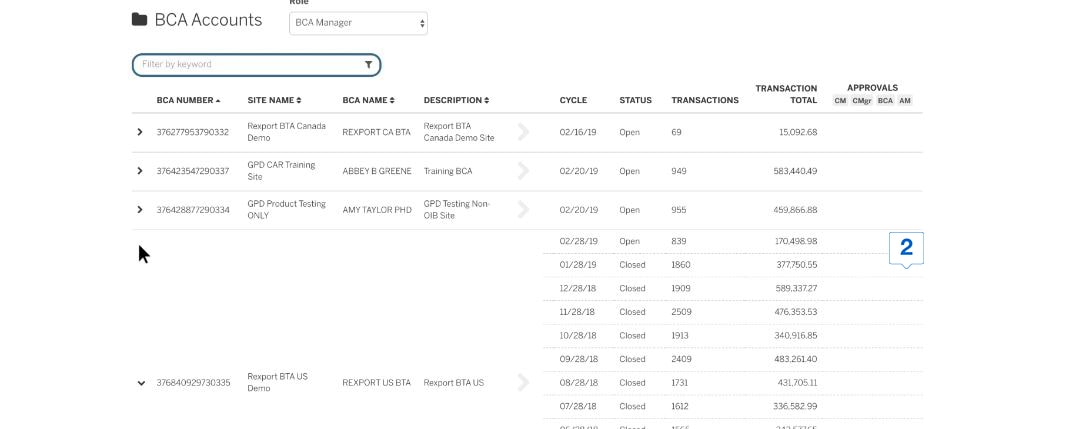
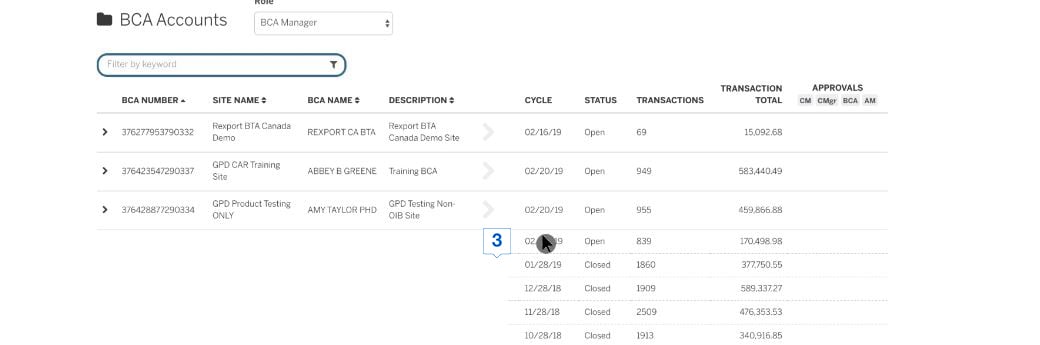
Choose an account and click on the arrow button to expand the view.
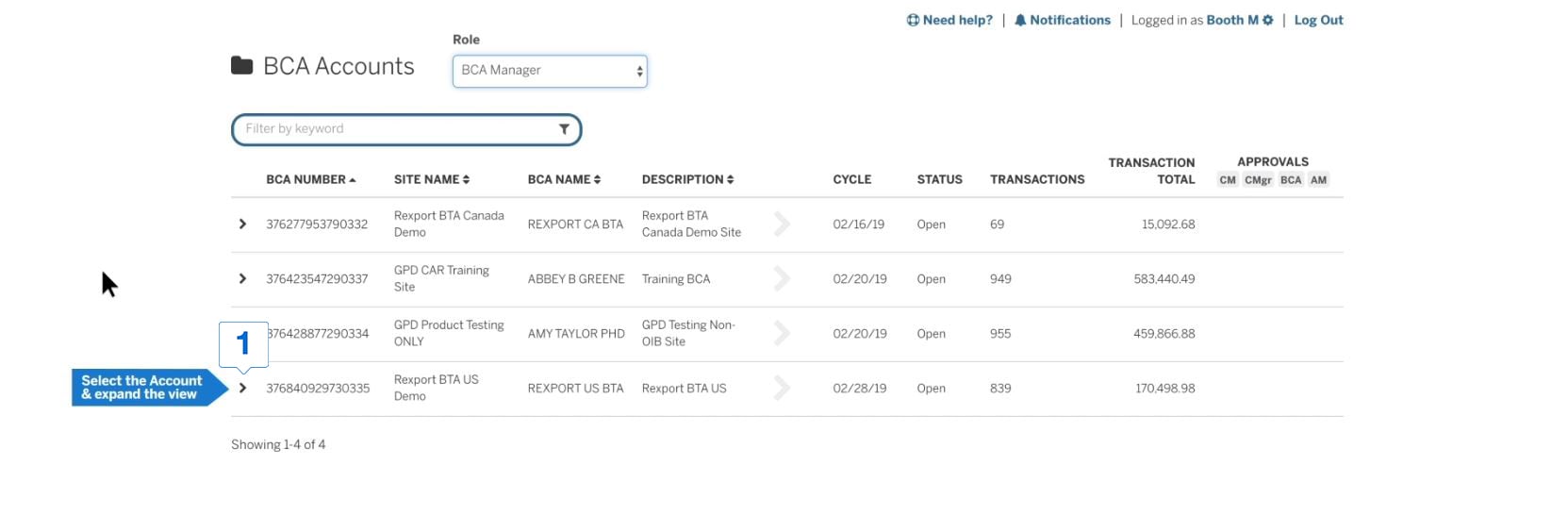
In the expanded view, you can see data from up to twelve previous billing cycles.
-
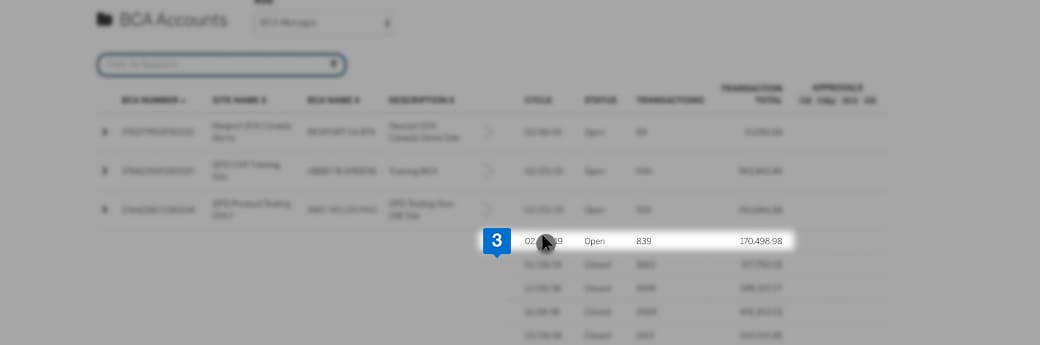

Click on a billing cycle of your choice to open the Transaction Summary view.
TRANSACTION SUMMARY VIEW
Offers Carousel
-
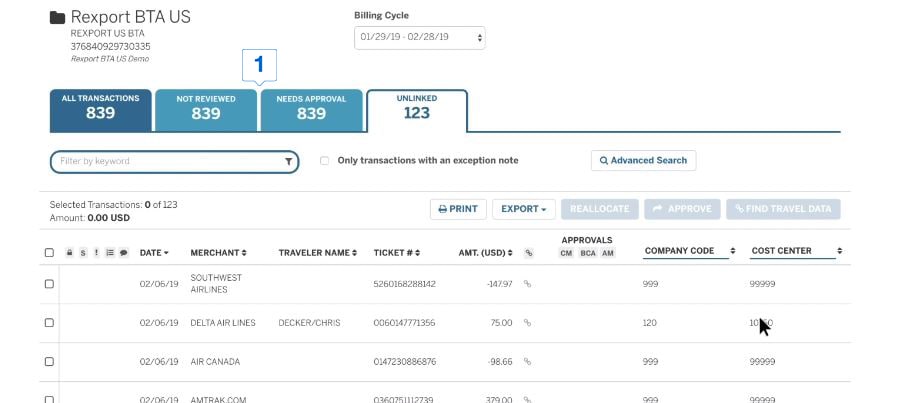
-
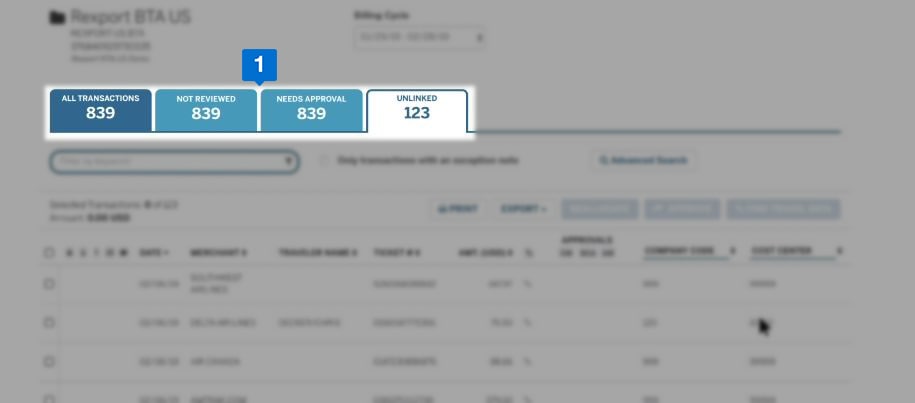
Action tabs based on your organization’s business rules can be seen in the transaction summary view.
LINKING TO TRAVEL RECORDS




Offers Carousel
-
-
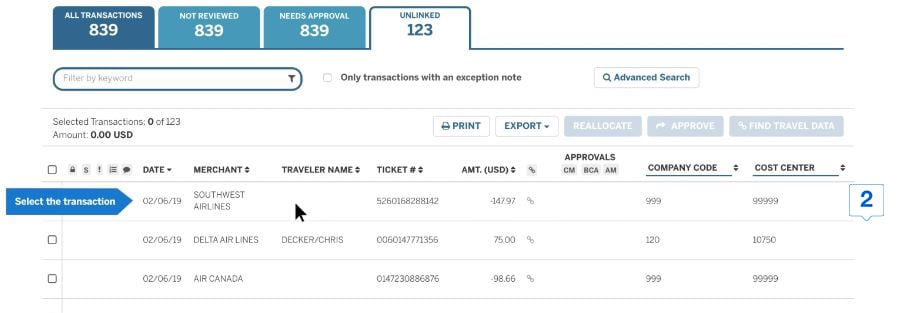
Use ‘Unlinked’ tab to view the transactions that are not linked to travel records.
-
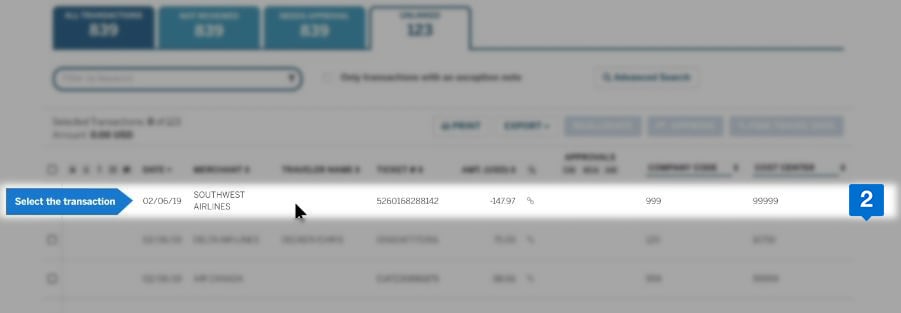
Select a transaction from the list.
-
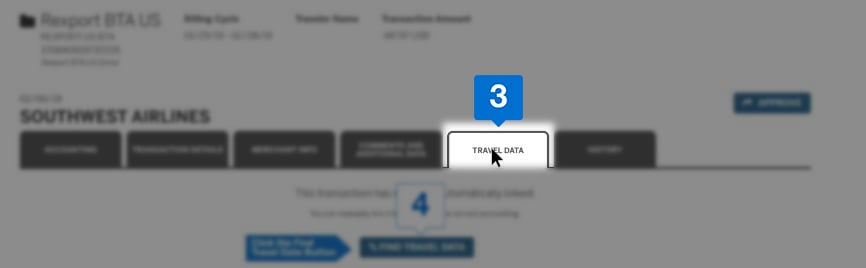
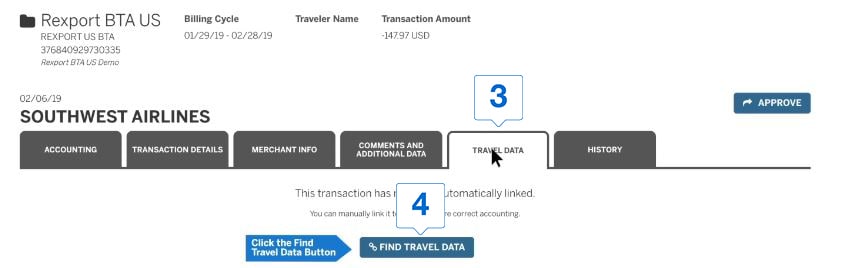
Click the ‘TRAVEL DATA’ tab.
-
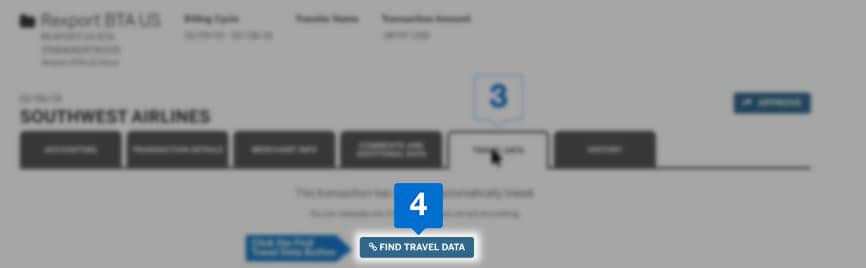

Click the ‘FIND TRAVEL DATA’ button.
-
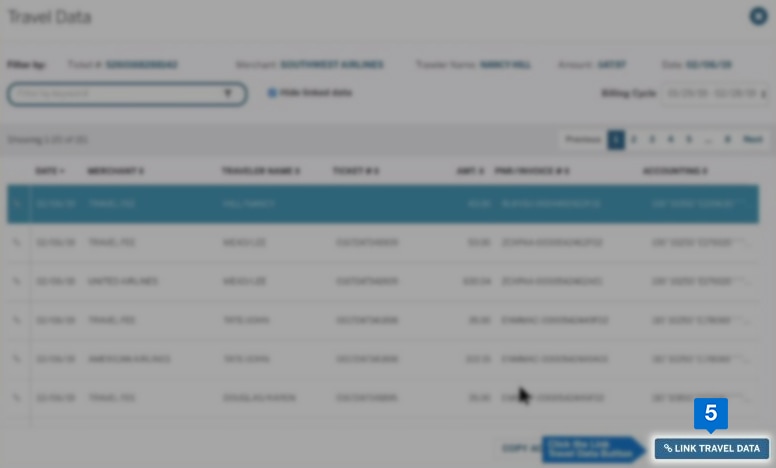

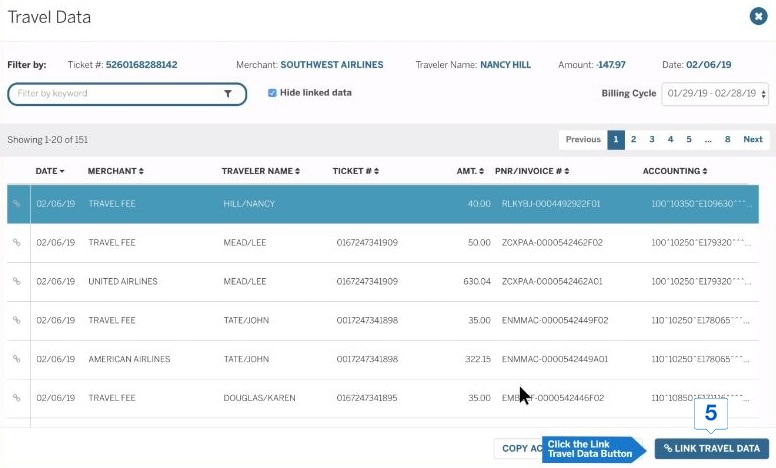
After verifying all the information, click on the ‘LINK TRAVEL DATA’ button.
REVIEW THE ACCOUNTING DATA
Offers Carousel
-
-
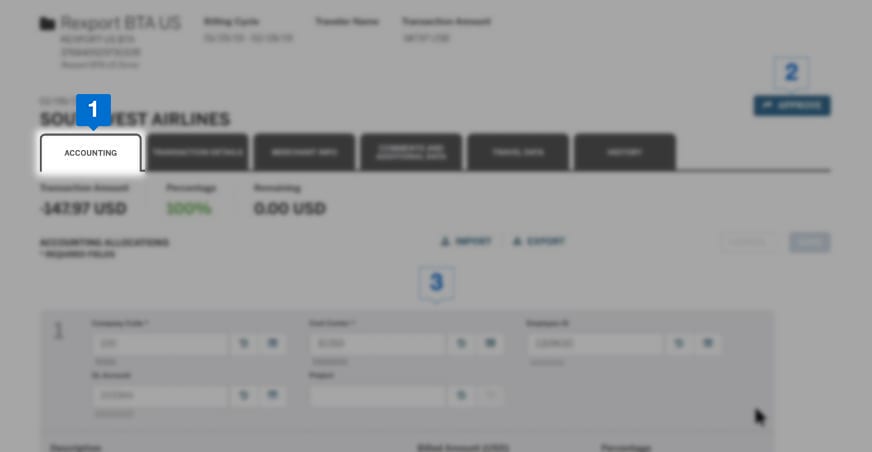
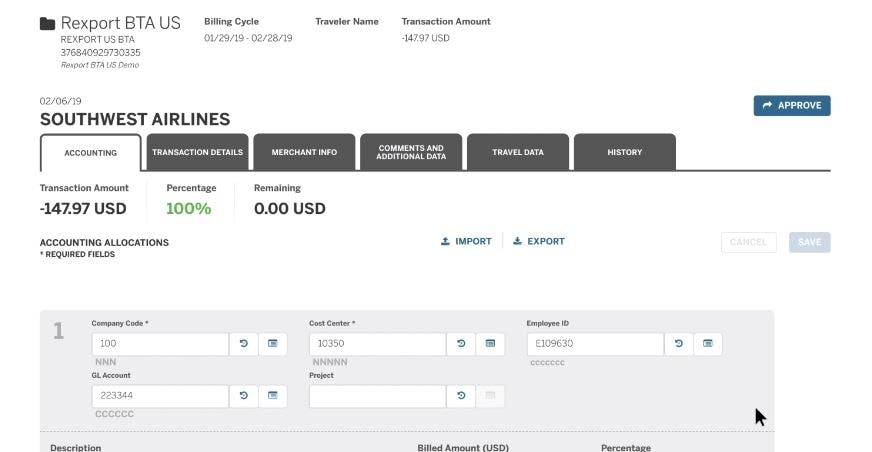
Click the accounting tab.
-
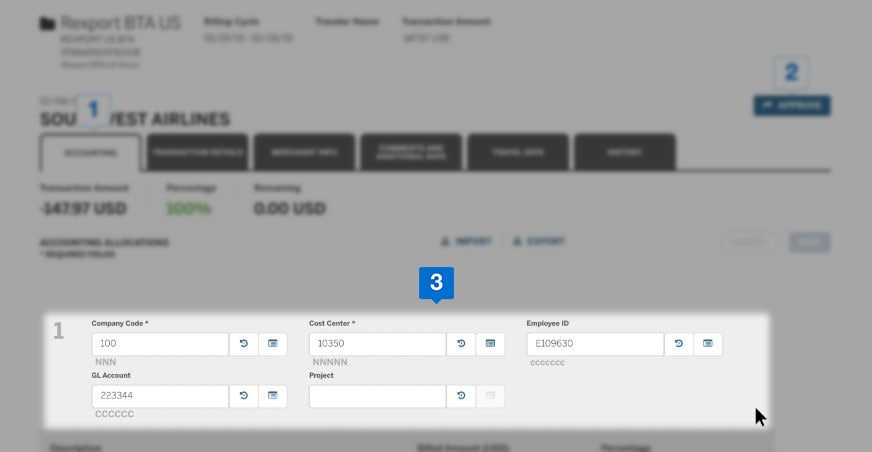
Review and reallocate if necessary.
-
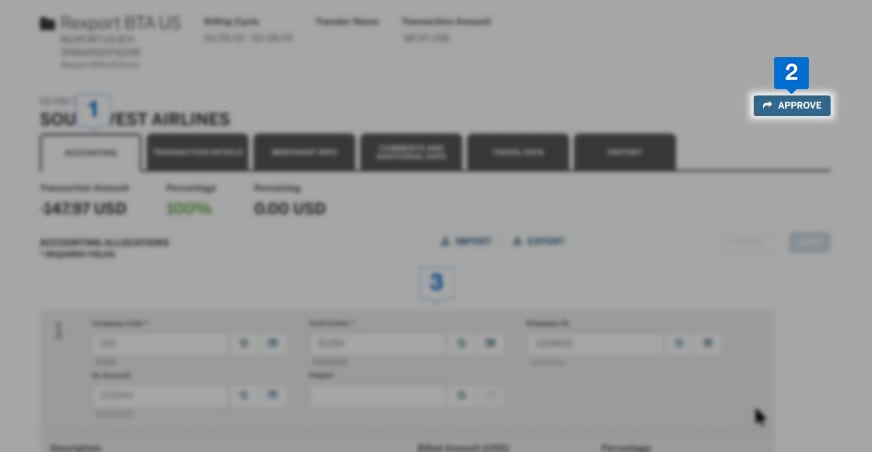
Click on the ‘APPROVE’ button.
Terms & Conditions
1Use of American Express @ Work ® is restricted to employees, contractors and/or agents that the Company, and its representatives designate for the sole purpose of performing online account queries and maintenance, including accessing and/or creating reports relating to the Company's American Express® Corporate Card programs. @ Work is available to all companies with an American Express Corporate Card program.
Enrollment is required. To enroll in @ Work please contact your American Express Representative or call 1-888-800-8564.