
Follow these instructions to learn how to create a travel & entertainment policy for your business.1.

OVERVIEW
OPEN ONESIGHT1


Offers Carousel
-

-


Login to @ Work2 homepage and click on the OneSight link.
-


Click on the ‘Home’ option under My Policy section.
CREATING A POLICY






Offers Carousel
-
-

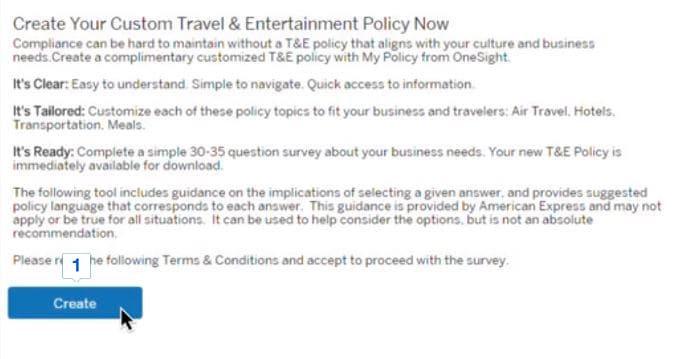
Read the text and click on ‘Create’ button.
-

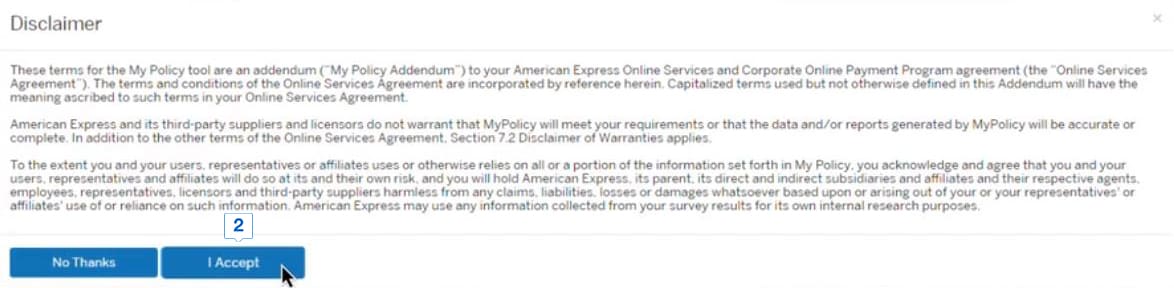
Read the disclaimer, and if you agree to the terms, click on ‘I Accept’ button.
-


Click ‘Custom’ if you want to create a customized policy.
-


Read the descriptions and click ‘Flexible’ or ‘Control’ to choose a predefined template.
-


Scroll through the questions and review your policy.
-


Choose options for airline travel, hotels, meals and transportation.
-


After choosing all options, click on the Save button to save your policy.
-
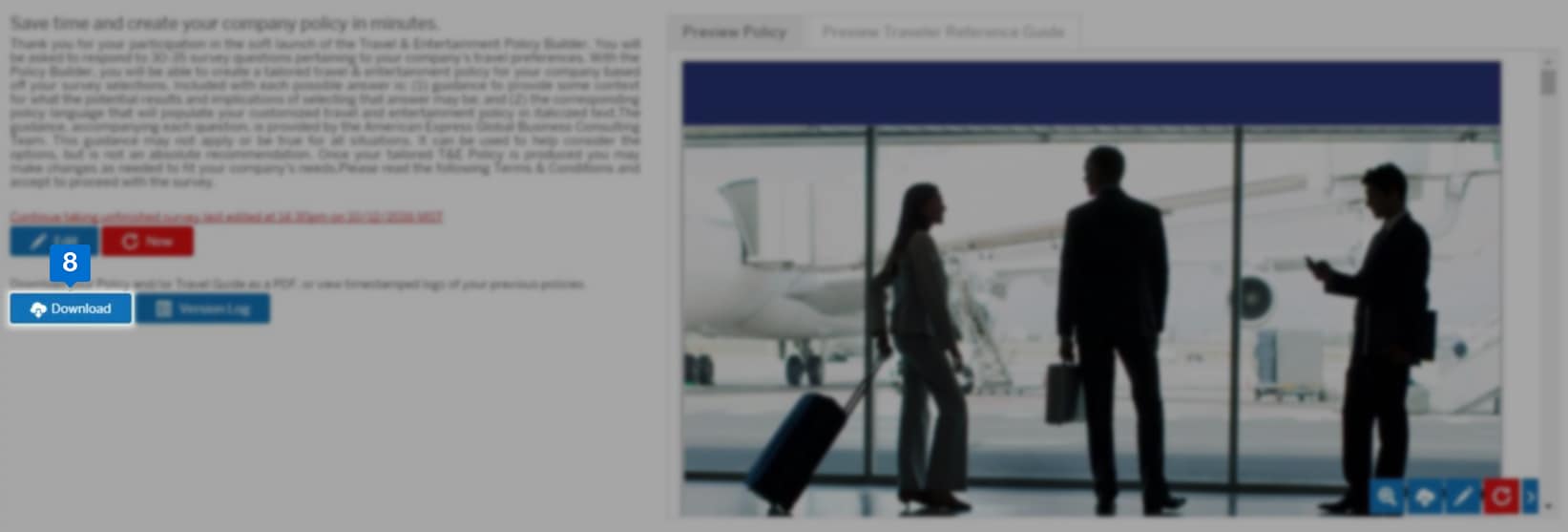

Click on download button to download the policy.
Terms & Conditions
1OneSight® is available in the United States only. To get access to OneSight® and its tools, you must be enrolled in American Express @Work® and @Work Reporting. To enroll, your company’s Program Administrator should call 1-888-800-8564.
2Use of American Express @ Work ® is restricted to employees, contractors and/or agents that the Company, and its representatives designate for the sole purpose of performing online account queries and maintenance, including accessing and/or creating reports relating to the Company's American Express® Corporate Card programs. @ Work is available to all companies with an American Express Corporate Card program.
Enrollment is required. To enroll in @ Work please contact your American Express Representative or call 1-888-800-8564.
© 2021 American Express.