Follow the instructions given below to make payments in your Corporate program.

OVERVIEW
























Offers Carousel
-
-
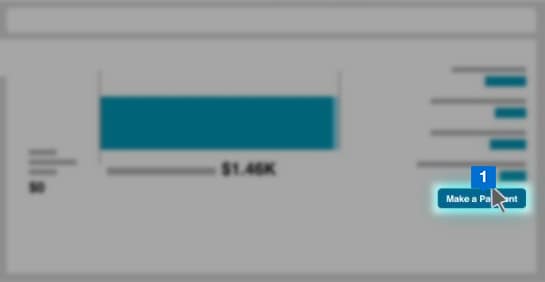

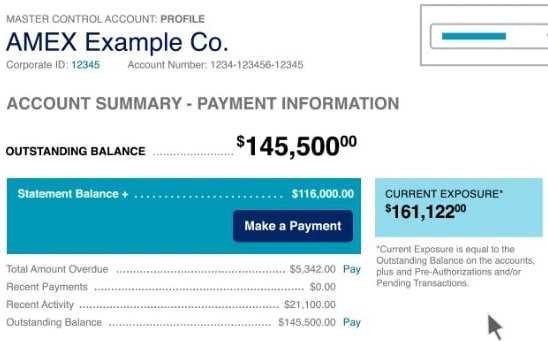
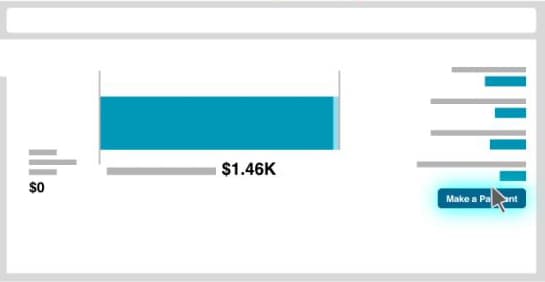
From the homepage, select Make a Payment.
-
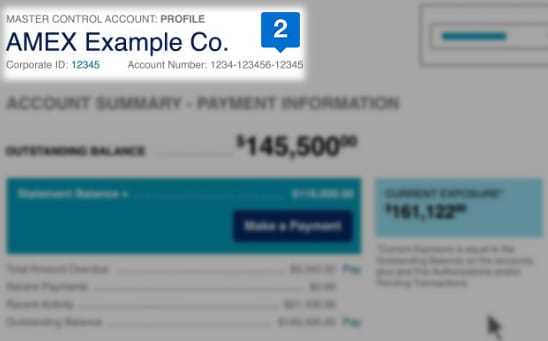

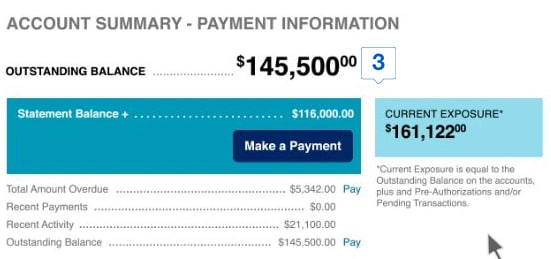
To confirm the account level you are viewing, check the name listed at the top of the page.The account summary section will give you a consolidated list of payments at the master control level.
-
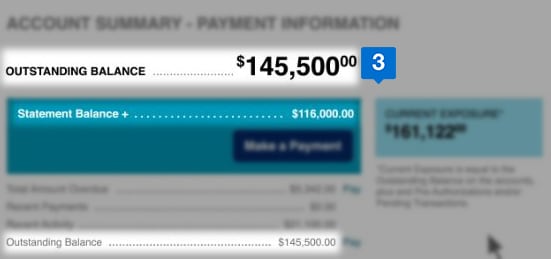

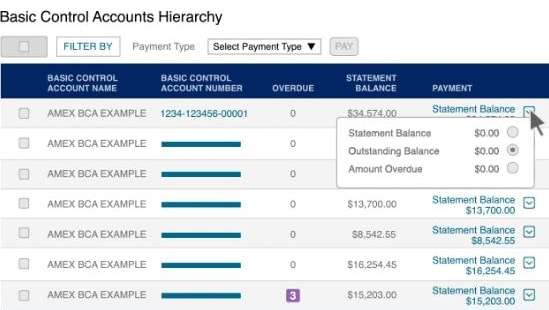
You can choose to pay the statement balance, amount overdue, or outstanding balance. These customizable options are also available at the basic control account level.
-
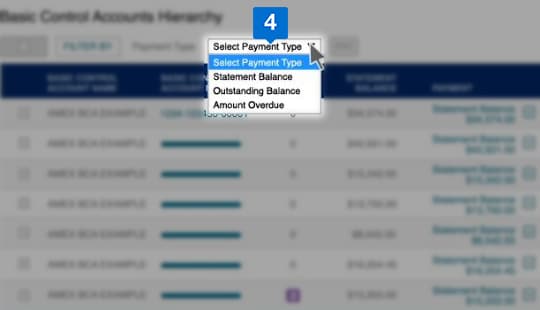

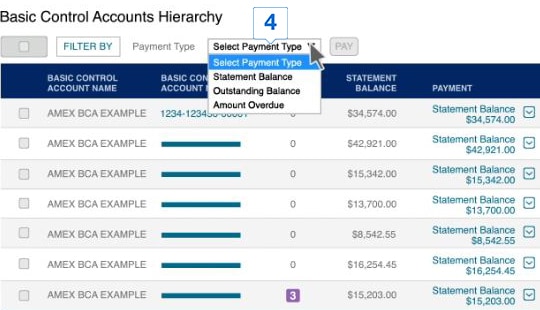
Use the filter and drop-down menu options to narrow down your search.
-
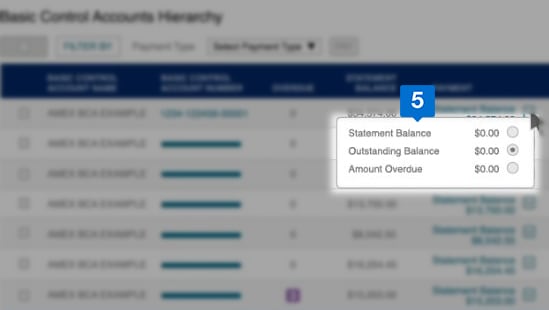

You can change the payment type from the drop down.
-
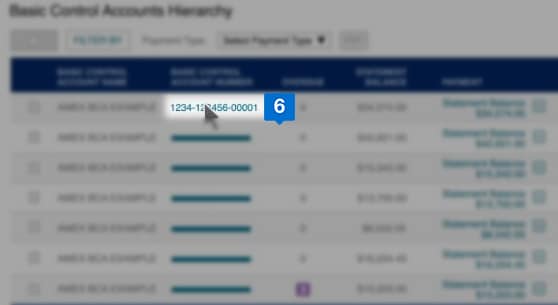

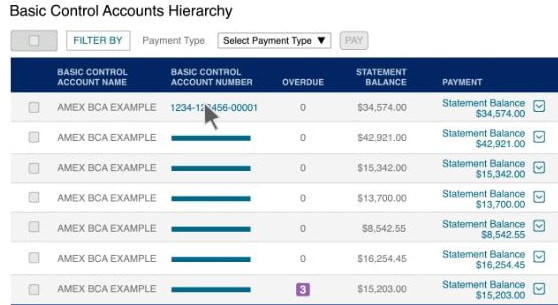
To pay at a Card Member account level, click the associated basic control account number. You can view all Card Member accounts within that basic control account.
-
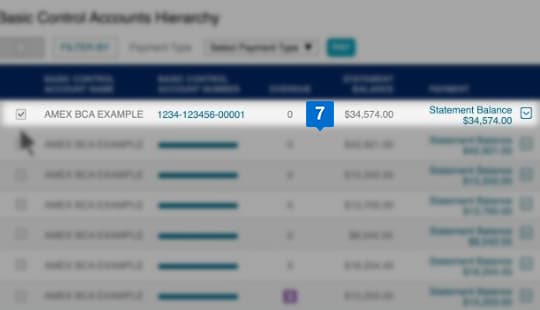

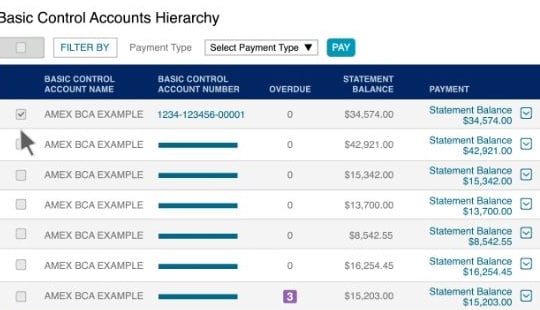
Choose the account you would like to pay.
-
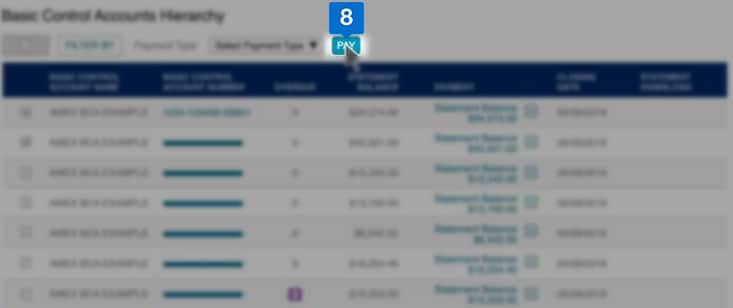

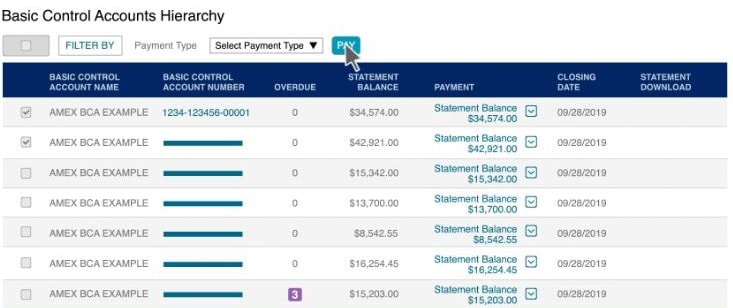
Click Pay.
-
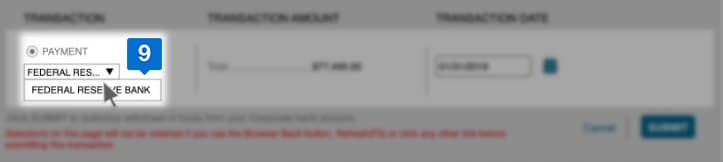

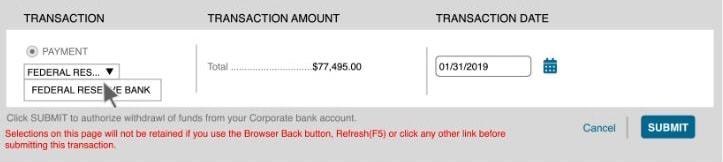
Select the bank account to make payment.
-
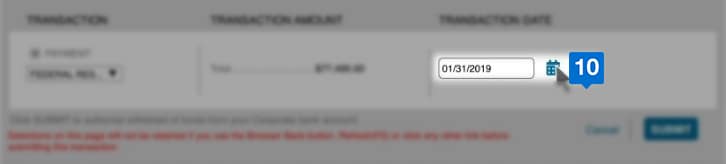

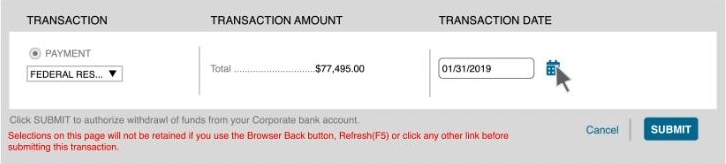
Select the date of payment.
-
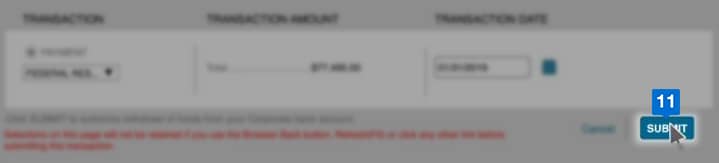

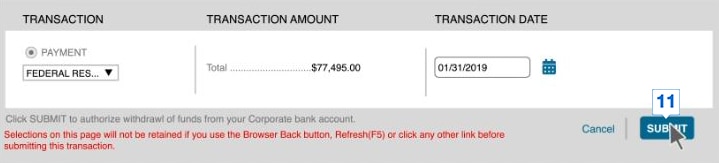
Click Submit.
-
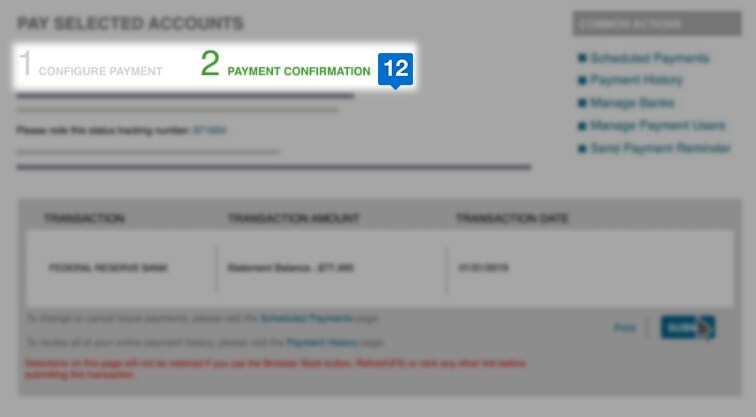

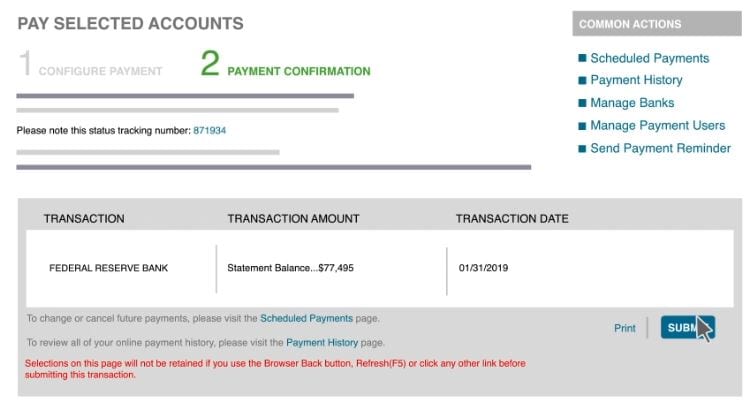
Review and confirm the payment and record your transaction number for future references.