
What Is a Cardless ATM?
6 Min Read | Published: May 23, 2025
This article contains general information and is not intended to provide information that is specific to American Express products and services. Similar products and services offered by different companies will have different features and you should always read about product details before acquiring any financial product.
Learn how cardless ATMs work and how easy and safe it is to withdraw cash or perform other banking transactions without your physical debit or credit card.
At-A-Glance
- A cardless ATM (automated teller machine) offers a secure way to transact without your physical debit or credit card.
- Instead of providing your card, a cardless ATM may verify the transaction using a QR (quick response) or one-time verification code in your banking app, NFC (near-field Communication) technology, or biometric verification.
- While contactless ATMs are common, not all ATMs fully support digital wallets, and the functionality may not be available with all banks.
In a world of “tap to pay” contactless payments, you may be less and less likely to carry around your physical bank card. While it may be easier than ever to use a contactless card or digital wallet at retail stores, restaurants, and more, what happens if you need to grab cash?
Luckily, banks are beginning to leverage contactless payment technology to allow you to access an automated teller machine (ATM) without your physical card. Here’s what you need to know about how cardless ATMs work and some potential benefits and drawbacks to consider before using one.
How Cardless ATMs Work
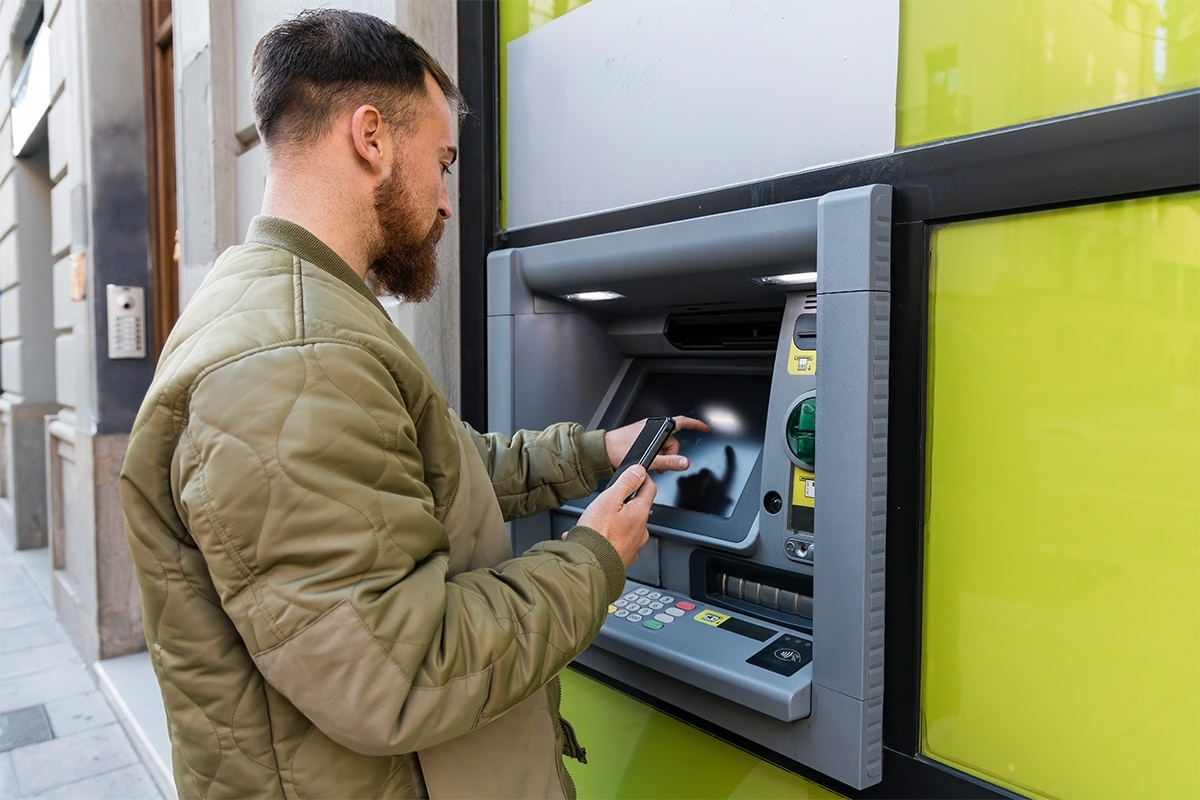
A cardless ATM uses your smartphone device in lieu of a physical bank card. The first step in using a cardless ATM is to tap your phone to the contactless symbol.
Near-field Communication (NFC) is a technology that allows two devices to exchange data over a short distance. This is the same functionality that enables you to tap to pay with your card or digital wallet at a retail store. When used at an ATM, tapping your device can be a means of authenticating the transaction.
However, some banks may require another layer of authentication to complete the transaction, which can include:
- Quick Response (QR) Code App Verification
If the contactless ATM offers a QR code option, you’ll be required to scan the code shown on the screen with your mobile banking app.1 This verifies that you’re physically in front of the ATM, and by scanning the QR code, you’re authorizing the transaction. - One-Time Verification Codes
Similar to QR code in-app verification, some ATMs and banking apps may send you a numerical verification code to confirm within the app.2 Confirmation of this code indicates that you’re at the ATM, and it can be used to verify the transaction. - Biometric Verification
The most advanced ATMs may allow you to verify your identity using your face or fingerprint, similar to how you might unlock your smartphone. If the ATM itself doesn’t have access to biometric data, you may still need to use your face or fingerprint to get into your mobile app, which can provide an extra layer of security.
After you authenticate the transaction, you may still need to enter a PIN (Personal Identification Number) for the specific card you want to use. Then, you can use the ATM as normal to take out cash, deposit a check, transfer money, or perform another transaction.
How to Use an ATM Without Your Card
There are a few quick steps to use a cardless ATM without your physical card.
- Locate a Cardless ATM
Since cardless ATMs are still a relatively new technology, you may need to look online to see which ATMS near you support cardless transactions. Depending on your bank or card issuer, if you plan to use a credit card, there may not be a location in your area yet. - Add Your Card to Your Phone’s Digital Wallet
Before heading to the ATM, be sure you’ve added your debit card or credit card to your phone’s digital wallet and that the card you want to use has the contactless symbol on the front. You’ll also want to be sure you have your bank’s mobile app downloaded in case you need to authenticate using it. - Use Your Phone to Authenticate at the ATM
When you interact with a cardless ATM, it shows you the available options to complete the transaction. Depending on the ATM and your device, you may be able to choose to scan a QR code, perform an in-app verification, or use a biometric verification method. - Make Your Selections to Complete the Transaction
After you’ve authenticated the transaction, enter your PIN and use the ATM as normal to perform transactions like withdrawing cash or depositing a check.
Using Credit Cards at a Cardless ATM
If you want to use a credit card to get cash at a cardless ATM, it’s important to note that it’s considered a cash advance. A cash advance means you’re borrowing money against your credit line, and the amount taken begins to accrue interest immediately. Since a cash advance can be expensive, it’s worth considering how much you need the cash and weighing that against the total cost of interest charges and any fees you might incur.
If you’re okay with the cash advance charges, you can tap your credit card that has the contactless symbol or tap your mobile device that has your card in the digital wallet. Credit cards don’t typically use a PIN, but note that it might be required for a cash advance transaction, so you could need to contact your card issuer for support if you’ve never created one.
Using Debit Cards at a Cardless ATM
You can use a debit card at a cardless ATM as long as the debit card is linked to your digital wallet and the ATM accepts it. Or, if you have the card on you, you can always tap it on the contactless symbol instead of using your device.
A debit card is linked to a checking account, so allowing the ATM to access it is the same as putting your physical debit card into the machine, and it should allow for the same transactions.
Benefits of Using a Cardless ATM
There are several potential benefits of using a cardless ATM:
- More Secure
Using a cardless ATM may reduce the chances of your card being stolen since you don’t need to physically carry the card, and it can’t be skimmed by credit card skimmers. It may also increase security since you won’t run the risk of leaving your card in the ATM. - More Available Cards
Digital wallets enable you to access many cards and accounts from a single device. This means you’ll have cards at your fingertips and not run the risk of leaving a particular debit card at home. - May Be Faster
You may be able to complete an ATM transaction more quickly by using cardless technology, similar to how NFC tap-to-pay technology can decrease your wait time at a cash register. Tapping at the ATM can save time, as opposed to having to fish your card out of your wallet, insert it into the ATM, and then take it back out afterward.
Drawbacks of Using a Cardless ATM
There are also several potential drawbacks to consider before you use a cardless ATM:
- Limited ATM Availability
While many ATMs can support a contactless tap to pay transaction with a card, not all of them can accept tapping a digital wallet. Depending on your bank, there may be limited locations available. Be sure to check availability for your preferred ATM location before you head out without your physical card. - Compatibility Issues
There could be compatibility issues with your bank and device, as some banks only accept certain digital wallets. Check with your bank to confirm which digital wallets are accepted by contactless ATMs. - Relies on a Charged Mobile Device
Sometimes, your phone dies in the middle of the day, which might not normally be an issue, but it is if you plan to use it at the ATM. No matter if you’re using your phone or a watch with contactless payment functionality, you’ll need to ensure devices are fully charged on the day you plan to use the ATM.
Frequently Asked Questions
You may be able to use a virtual card at an ATM if the virtual card is added to a digital wallet and the ATM supports contactless payments. Confirm with your bank whether a cardless ATM accepts virtual cards before you go without your card.
Cardless ATMs provide contactless authentication, allowing you to use them without a card. The availability of ATMs in your area depends on your bank.
The Takeaway
Cardless ATMs are a convenient and secure way to transact without a physical payment card. However, the availability of contactless technology and compatibility issues could pose challenges. Before you head out to the ATM without your physical card, be sure to check with your bank to determine if the ATM accepts contactless verification and which digital wallets it accepts.
1,2 “How Do Cardless ATMs Work?,” Experian


Brooke Joly is a writer on a mission to unravel the mysteries of personal finance and make them accessible to the everyday reader. When she’s not behind the keyboard, you can find her enjoying the outdoors in Charleston, SC.
All Credit Intel content is written by freelance authors and commissioned and paid for by American Express.
Related Articles
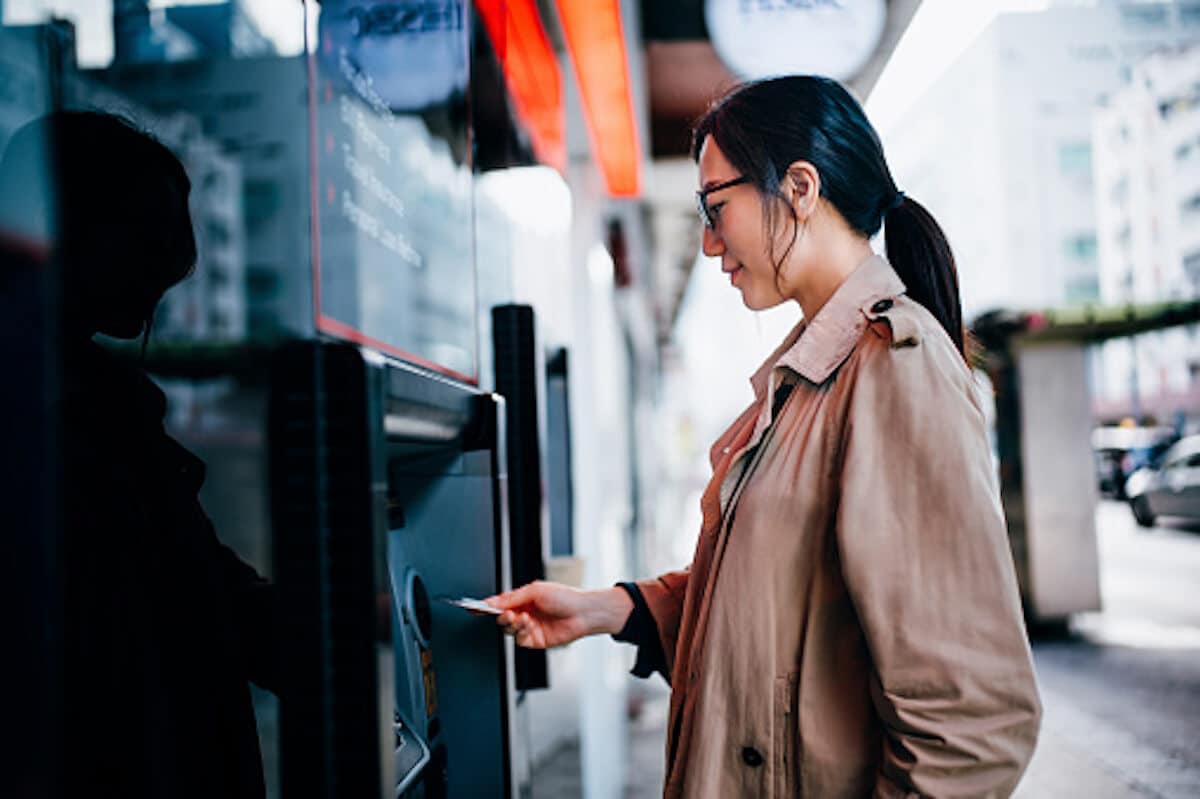
How to Get Cash From a Credit Card
Wondering how to get cash from a credit card? Learn how to use a credit card in an ATM, along with some important considerations you’ll want to keep in mind.

How to Manage Internet Security Risks to Your Credit Card
Using credit cards online requires knowing how to protect yourself from cybersecurity risks. Most card issuers and merchants can help keep you safe.
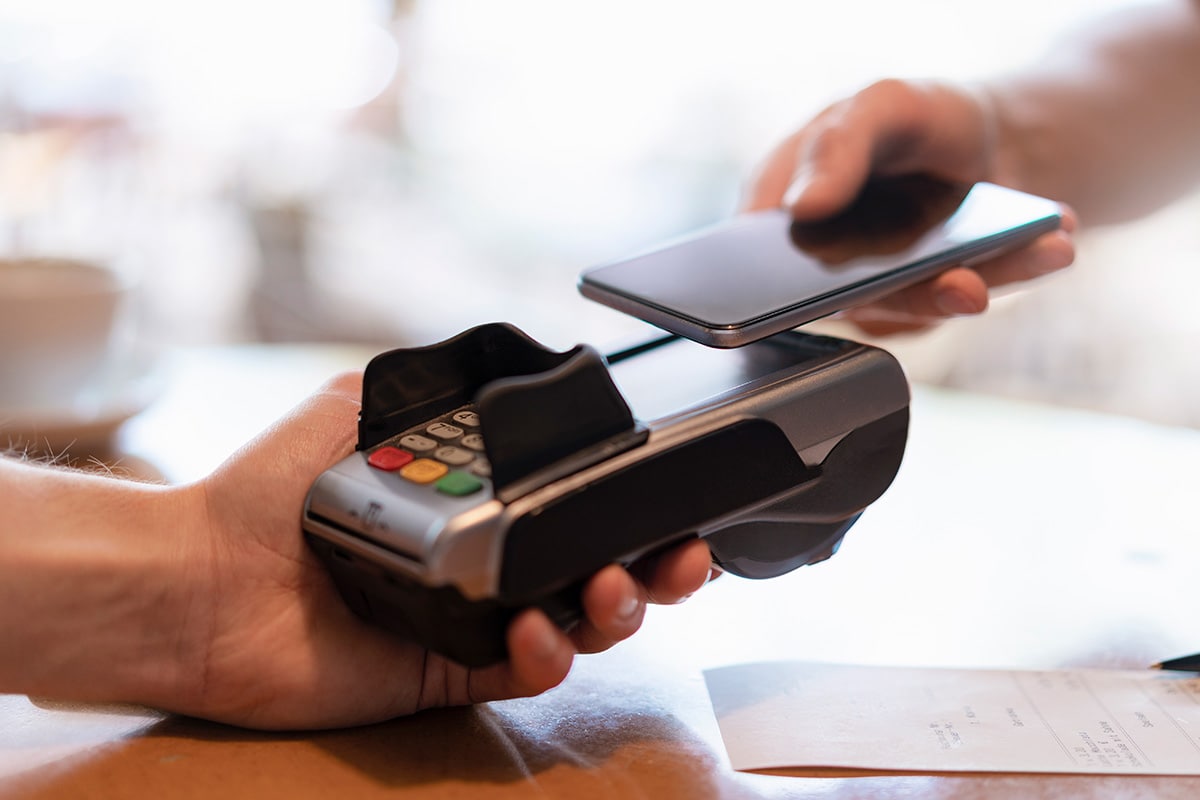
What Is a Digital Wallet?
Digital wallets offer convenience, allowing you to make purchases using your phone. This article explores the benefits of digital wallets and how they work.
The material made available for you on this website, Credit Intel, is for informational purposes only and intended for U.S. residents and is not intended to provide legal, tax or financial advice. If you have questions, please consult your own professional legal, tax and financial advisors.